
DonaZY
Lv.1
本人经常做前端,有可能对后端不太熟悉
获赞:0收藏:0浏览:0作品收藏:0
签名:HTML+CSS+JavaScript
Lv.1
本人经常做前端,有可能对后端不太熟悉
签名:HTML+CSS+JavaScript
在 html问题,如何将请登录的那框架改border-radius 中回复
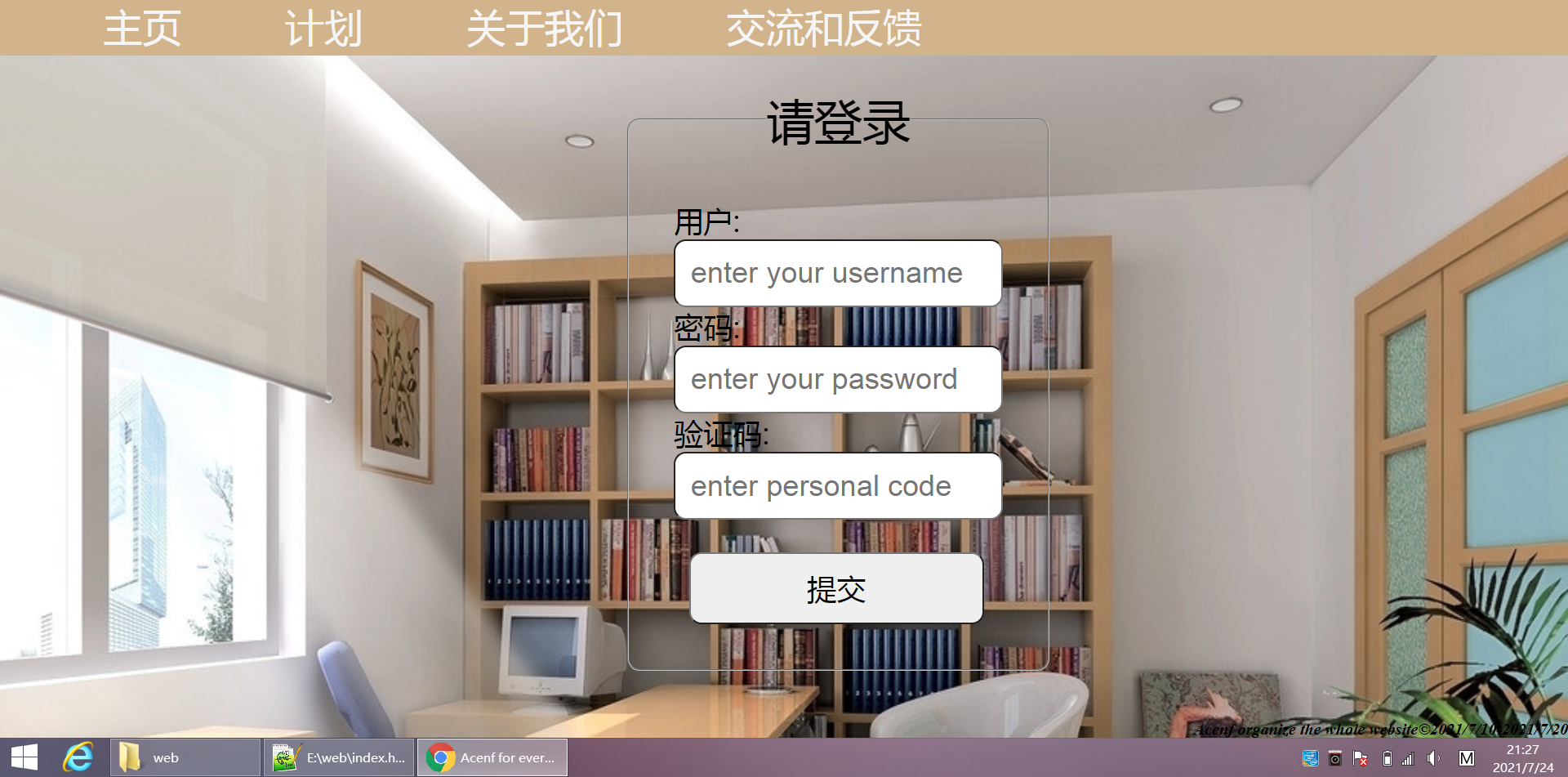 我终于把flieset的border-radius改好了,我原本想用<body background="">加背景图片,但是在后面的css调试中filter:grayscale()和filter:blur(4px),效果全部不在图片上。问题就在有这个导航栏,图片根本放不进,缩放比例完全不对,div也不管用,用了div后,css元素position:absolute,全废了。这个问题才是大头
2021-07-24T21:42:57 点赞:0
在 html问题,如何将请登录的那框架改border-radius 中回复
我先把我的源码公布,没有用到js
<!-- 经过考虑,决定对网站进行重组,登录框重改 -->
<!DOCTYPE html>
<html>
<head>
<meta http-equiv="content-type" content="text/html; charset=utf-8">
<meta lang="en">
<title>Acenf for everyone</title>
</head>
<body>
<div class="box">
<div class="top">
<ul>
<li><a href="index.html">主页</a></li>
<li><a href="html/plan.html">计划</a></li>
<li><a href="html/about us.html">关于我们</a></li>
<li><a href="html/feedback.html">交流和反馈</a></li>
</ul>
</div>
<!-- 因目前的技术原因,无法对导航栏进行毛玻璃效果的整改,未来将在这一方向努力 -->
<div class="table">
<!-- 添加组合表单元素 -->
<fieldset>
<!-- legend可以做一个组合表单的标题 -->
<legend id="sign">请登录</legend>
<!-- 小标题user -->
<label>用户: <!--回档--> <br />
<!-- 第一次正式回档 -->
<input type="text" name="用户" placeholder="enter your username"></label> <br /> <!--添加新技术:在用户输入之前,提示给用户-->
<!-- 小标题password -->
<label>密码: <!--回档--> <br />
<input type="text" name="密码" placeholder="enter your password"> </label> <br />
<!-- 小标题verfity -->
<label>验证码: <br />
<input type="text" name="验证码" placeholder="enter personal code">
</label> <br />
<input type="submit" id="submit">
</fieldset>
</div>
<div class="end">
<strong>
<em>
Acenf organize the whole website©2021/7/10-2021/7/20
</em>
</strong>
</div>
</div>
<!-- 创建效果 -->
<style type="text/css">
* {
padding:0px;
margin: 0px;
}
body {
background-size:cover;
background-image:url("http://pic23.nipic.com/20120908/6604479_153547992000_2.jpg")
}
/* 用a的方法去掉a样式 */
.box .top ul a {
font-size:5.3vh;
color:white喵oke;
text-decoration:none;
}
.box .top ul a:hover {
padding-bottom:0vh;
border-radius: 1喵x;
background:#e0e0e0; /*设置灰色*/
box-shadow:5vh 5vh 6vh #6e6e6e inset;
/* 添加有内向外的喵影 */
}
/* 知识2:visited伪类元素,指的是已经被访问过的链接*/
.table fieldset {
padding:6vh;
}
.box .top ul{
width:100%;
height: 54px;
/* background-color:burlywood; */
background-color:#D2B48C;
}
.box .top li{
list-style-type:none;
font-size: 4.5vh;
margin-left:14vh;
float: left;
}
/* 尝试使用内核机制 */
.table {
margin-left:85vh;
margin-top:4.5vh;
position:absolute;
font-size: 4vh;
}
.table fieldset {
border-radius:12px;
}
.table #sign {
font-size: 6.5vh;
text-align: center;
margin-bottom:5px;
}
.table input {
font-size:4vh;
width:40vh;
border-radius: 12px;
padding:2vh;
}
input:focus {
/* 当前解决的问题 */
outline: none ;
border-style:solid;
border-color: pink;
box-shadow:0px 4px 5.5px grey;
}
input:hover {
outline: none;
border-style: solid;
border-color: pink;
box-shadow: 0px 4px 5.5px grey;
}
#submit {
/* 调整submit的大小 */
/* 先调整高度 */
/* 设置它的位置是table元素内的,不脱离table */
/* 若使用position:absolute,意思就是脱离table元素 */
position:relative;
/* 左对齐 */
right:2.5vh;
margin-top:4.4vh;
/* text-algin调整文字所在的元素内的位置 */
text-align: center;
float:right;
}
.end {
font-family: 'Times New Roman', Times, serif;
text-align:left;
position:absolute;
bottom: 0px;
right: 0px;
padding-bottom:0vh;
}
</style>
</body>
</html>
2021-07-24T21:45:16 点赞:0
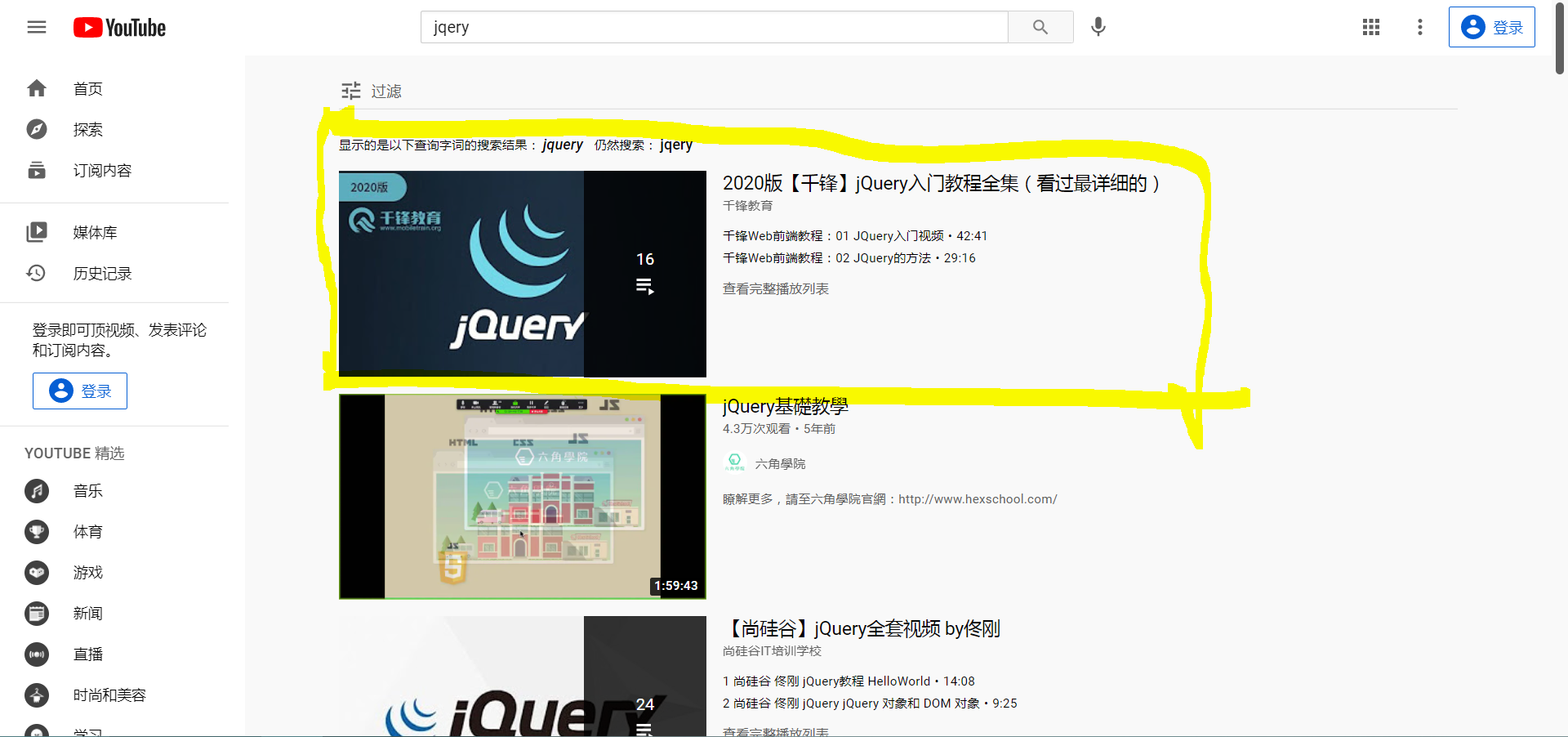 我开始学习jqery了