用户:MC_PZB查看:106 回复:3 评论:0 创建时间:2020-08-29T13:43:35
【作品展示】
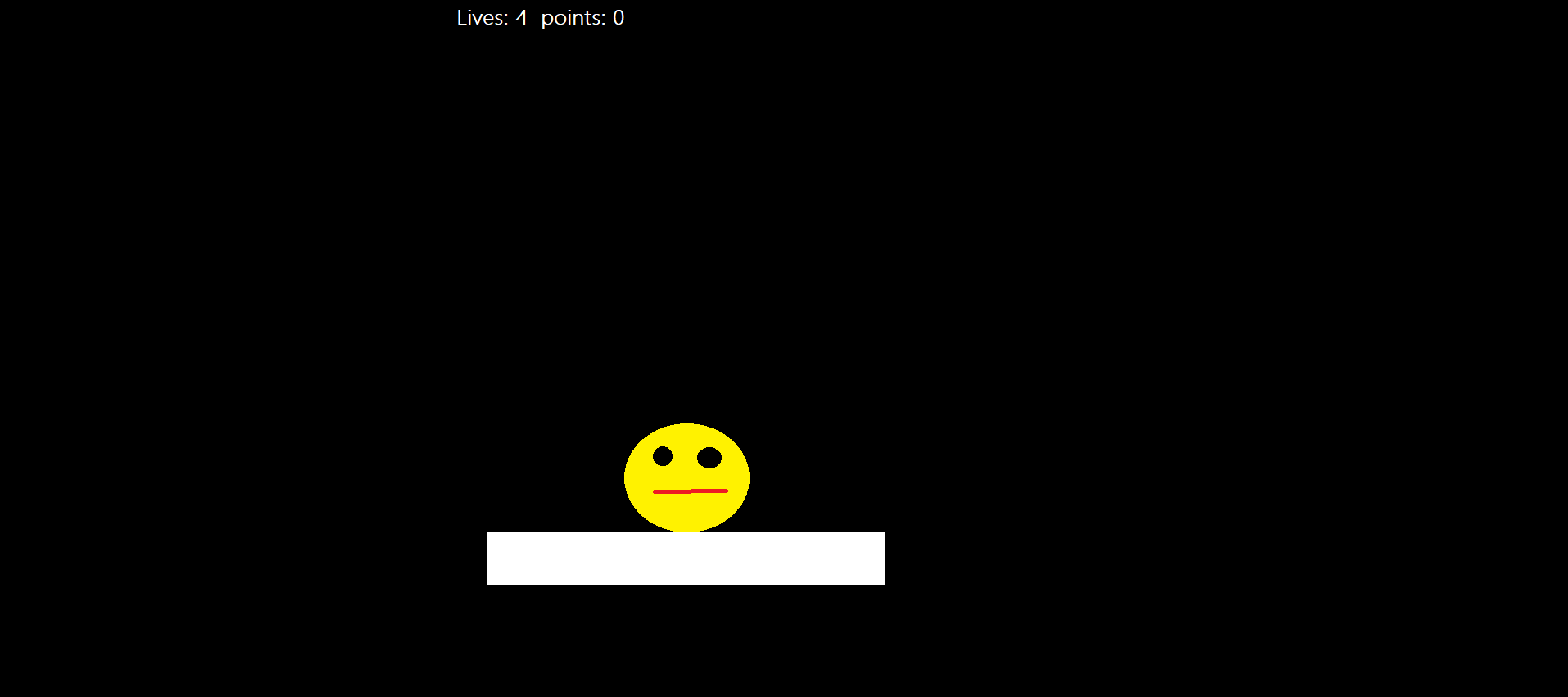
【作品介绍】
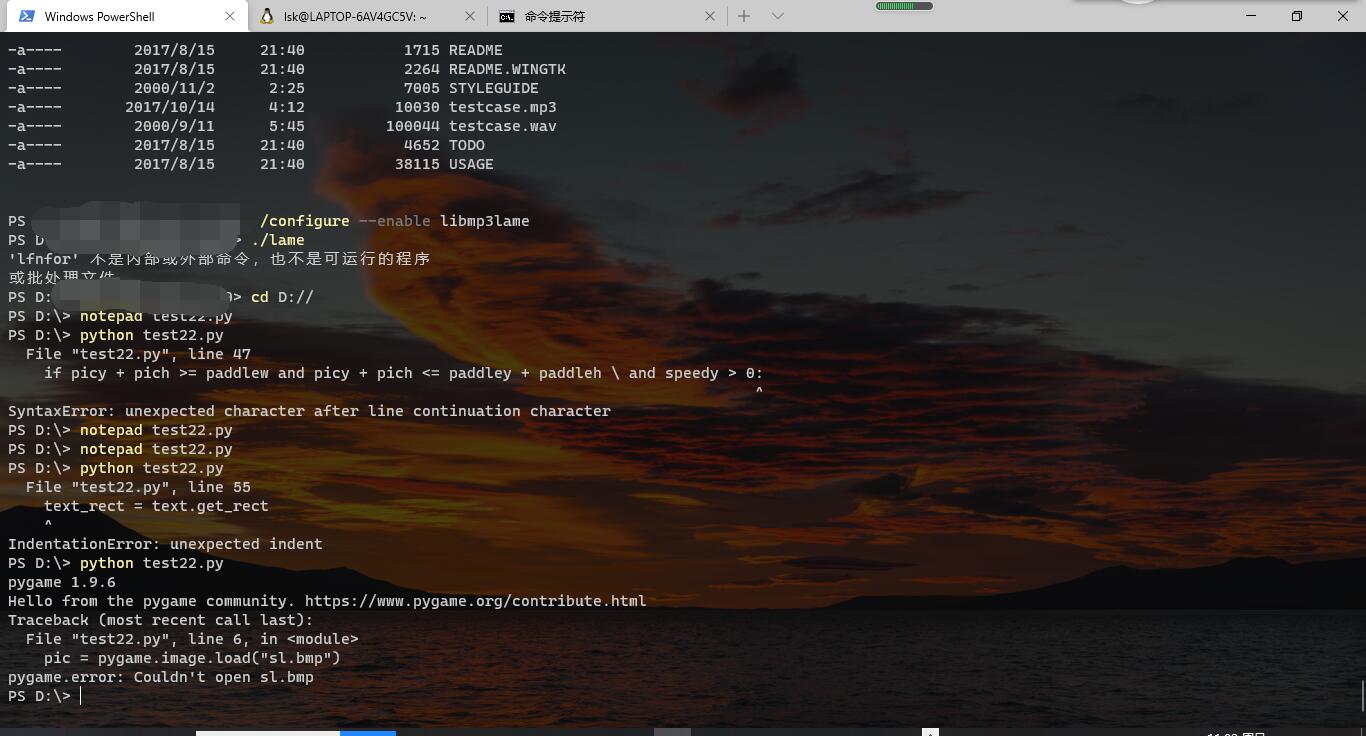
哪儿错了?
【作品源代码】
import pygame
pygame.init()
screen = pygame.display.set_mode([800,600])
pygame.display.set_caption("Smiley pong")
keepGoing = True
pic = pygame.image.load("sl.bmp")
colorkey = pic.get_at((0,0))
pic.set_colorkey(colorkey)
picx = 0
picy = 0
BLACK = (0,0,0)
WHITE = (255,255,255)
timer = pygame.time.Clock()
speedx = 5
speedy = 5
paddlew = 200
paddleh = 25
paddlex = 300
paddley = 550
picw = 100
pich = 100
points = 0
lives = 5
font = pygame.font.SysFont("Times",24)

while keepGoing:
    for event in pygame.event.get():
        if event.type == pygame.QUIT:
            keepGoing = False
    picx += speedx
    picy += speedy

    if picx <= 0 or picx + pic.get_width() >= 800:
        speedx = -speedx
    if picy <= 0:
        speedy = -speedy
    if picy >= 500:
        lives -= 1
        speedy = -speedy
    screen.fill(BLACK)
    screen.blit(pic, (picx,picy))

    paddlex = pygame.mouse.get_pos()[0]
    paddlex -= paddlew/2
    pygame.draw.rect(screen,WHITE, (paddlex,paddley,paddlew,paddleh))

    if picy + pich >= paddlew and picy + pich <= paddley + paddleh \ and speedy > 0:
        if picx + picw / 2 >= paddlex and picx + picw / 2 <= paddlex + \paddlew:
            points += 1
            speedy = -speedy

    draw_string = "Lives: " + str(lives) + " points: " + str(points)

    text = font.render(draw_string, True, WHITE)
    text_rect = text.get_rect
    text.get_rect().centerx = screen.get_rect().centerx
    text_rect.y = 10
    screen.blit(text, text_rect)
    pygame.display.update()
    timer.tick(60)

pygame.quit()
【提示】
部分含有Python第三方库相关内容的作品,在海龟编辑器网页端无法运行哦!如遇到这种情况,可以打开下面的链接,下载海龟编辑器客户端:
https://python.codemao.cn