7654Fox
Lv.1
我是傻__
获赞:68收藏:11浏览:1264作品收藏:1
签名:你猜
Lv.1
我是傻__
签名:你猜
在 Nemo3.0即将上线!超多作品推荐位等你抢占!投稿还有丰富周边奖品~~ 中回复
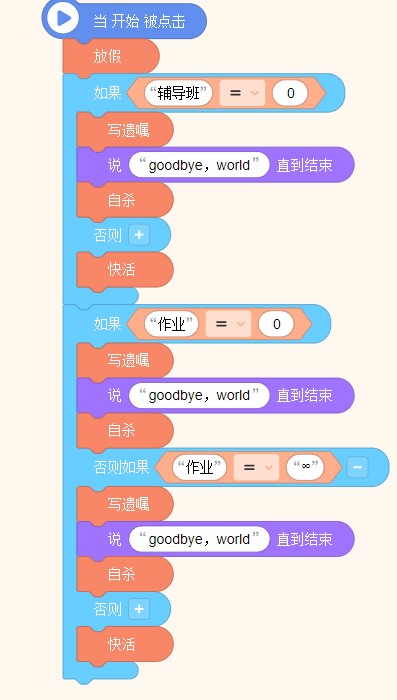
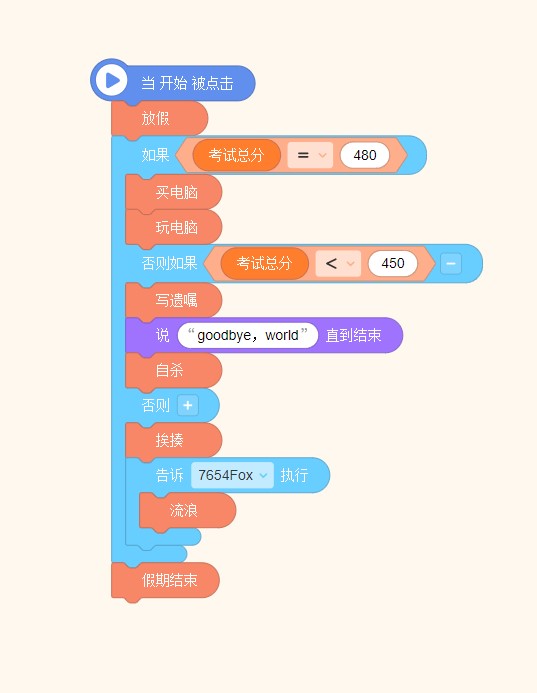
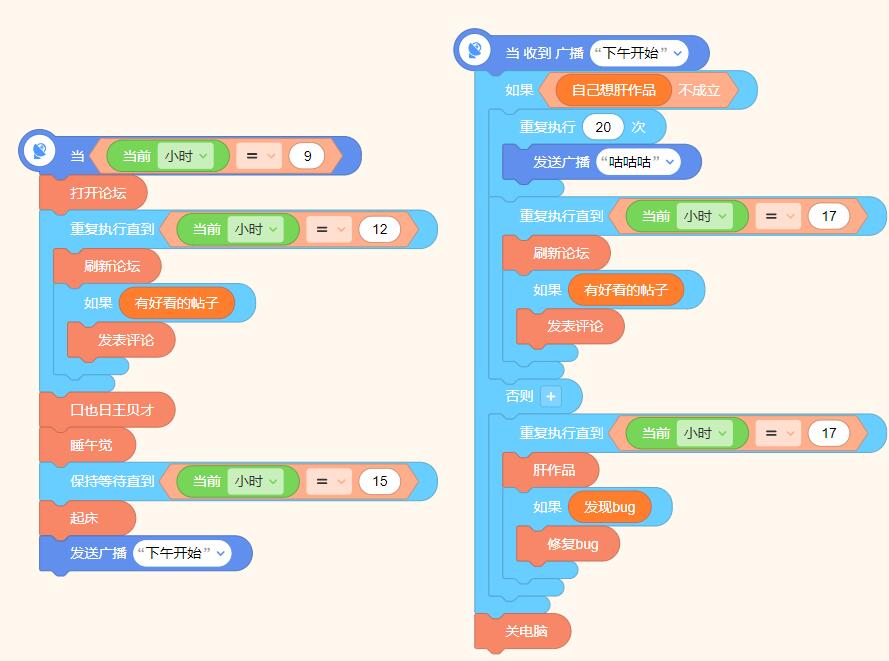
看到这是什么了吗?????????????????????
# SmileyPong1.py
import pygame       # Setup
pygame.init()
screen = pygame.display.set_mode([800,600])
pygame.display.set_caption("Smiley Pong")
keepGoing = True
pic = pygame.image.load("CrazySmile.bmp")
colorkey = pic.get_at((0,0))
pic.set_colorkey(colorkey)
picx = 0
picy = 0
BLACK = (0,0,0)
WHITE = (255,255,255)
timer = pygame.time.Clock()
speedx = 5
speedy = 5
paddlew = 200
paddleh = 25
paddlex = 300
paddley = 550
picw = 100
pich = 100
points = 0
lives = 5
font = pygame.font.SysFont("Times", 24)
while keepGoing:    # Game loop
    for event in pygame.event.get():
        if event.type == pygame.QUIT:
            keepGoing = False
    picx += speedx
    picy += speedy

    if picx <= 0 or picx + pic.get_width() >= 800:
        speedx = -speedx
    if picy <= 0:
        speedy = -speedy
    if picy >= 500:
        lives -= 1
        speedy = -speedy
    screen.fill(BLACK)
    screen.blit(pic, (picx, picy))
    # Draw paddle
    paddlex = pygame.mouse.get_pos()[0]
    paddlex -= paddlew/2
    pygame.draw.rect(screen, WHITE, (paddlex, paddley, paddlew, paddleh))
    # Check for paddle bounce
    if picy + pich >= paddley and picy + pich <= paddley + paddleh \
       and speedy > 0:
        if picx + picw / 2 >= paddlex and picx + picw / 2 <= paddlex + \
           paddlew:
            points += 1
            speedy = -speedy
    # Draw text on screen
    draw_string = "Lives: " + str(lives) + " Points: " + str(points)

    text = font.render(draw_string, True, WHITE)
    text_rect = text.get_rect()
    text_rect.centerx = screen.get_rect().centerx
    text_rect.y = 10
    screen.blit(text, text_rect)
    pygame.display.update()
    timer.tick(60)

pygame.quit()       # Exit


# SmileyPong2.py
import pygame       # Setup
pygame.init()
screen = pygame.display.set_mode([800,600])
pygame.display.set_caption("Smiley Pong")
keepGoing = True
pic = pygame.image.load("CrazySmile.bmp")
colorkey = pic.get_at((0,0))
pic.set_colorkey(colorkey)
picx = 0
picy = 0
BLACK = (0,0,0)
WHITE = (255,255,255)
timer = pygame.time.Clock()
speedx = 5
speedy = 5
paddlew = 200
paddleh = 25
paddlex = 300
paddley = 550
picw = 100
pich = 100
points = 0
lives = 5
font = pygame.font.SysFont("Times", 24)
while keepGoing:    # Game loop
    for event in pygame.event.get():
        if event.type == pygame.QUIT:
            keepGoing = False
        if event.type == pygame.KEYDOWN:
            if event.key == pygame.K_F1:    # F1 = New Game
                points = 0
                lives = 5
                picx = 0
                picy = 0
                speedx = 5
                speedy = 5

    picx += speedx
    picy += speedy

    if picx <= 0 or picx >= 700:
        speedx = -speedx * 1.1
    if picy <= 0:
        speedy = -speedy + 1
    if picy >= 500:
        lives -= 1
        speedy = -5
        speedx = 5
        picy = 499
    screen.fill(BLACK)
    screen.blit(pic, (picx, picy))
    # Draw paddle
    paddlex = pygame.mouse.get_pos()[0]
    paddlex -= paddlew/2
    pygame.draw.rect(screen, WHITE, (paddlex, paddley, paddlew, paddleh))
    # Check for paddle bounce
    if picy + pich >= paddley and picy + pich <= paddley + paddleh \
       and speedy > 0:
        if picx + picw/2 >= paddlex and picx + picw/2 <= paddlex + \
           paddlew:
            speedy = -speedy
            points += 1
    # Draw text on screen
    draw_string = "Lives: " + str(lives) + " Points: " + str(points)
    # Check whether the game is over
    if lives < 1:
        speedx = speedy = 0
        draw_string = "Game Over. Your score was: " + str(points)
        draw_string += ". Press F1 to play again. "

    text = font.render(draw_string, True, WHITE)
    text_rect = text.get_rect()
    text_rect.centerx = screen.get_rect().centerx
    text_rect.y = 10
    screen.blit(text, text_rect)
    pygame.display.update()
    timer.tick(60)

pygame.quit()       # Exit


# SmileyPong3.py
import pygame       # setup
pygame.init()
screen = pygame.display.set_mode([800, 600])
pygame.display.set_caption('Smiley Pong')
keepGoing = True
pic = pygame.image.load('CrazySmile.bmp')
colorkey = pic.get_at((0,0))
pic.set_colorkey(colorkey)
picx = 0
picy = 0
BLACK = (0,0,0)
WHITE = (255,255,255)
timer = pygame.time.Clock()
speedx = 5
speedy = 5
paddlew = 200
paddleh = 25
paddlex = 300
paddley = 550
picw = 100
pich = 100
points = 0
lives = 5
font = pygame.font.SysFont("Times", 24)
pygame.mixer.init() # add sounds
blip = pygame.mixer.Sound("blip.wav")
blap = pygame.mixer.Sound("blap.wav")

while keepGoing:    # game loop
    for event in pygame.event.get():
        if event.type == pygame.QUIT:
            keepGoing = False
        if event.type == pygame.KEYDOWN:
            if event.key == pygame.K_F1: # F1 = New Game
                points = 0
                lives = 5
                picx = 0
                picy = 0
                speedx = 5
                speedy = 5

    picx += speedx
    picy += speedy

    if picx <= 0 or picx >= 700:
        speedx = -speedx*1.1
    if picy <= 0:
        speedy = -speedy + 1
    if picy >= 500:
        lives -= 1
        speedy = -5
        speedx = 5
        picy = 499
        blap.play()

    screen.fill(BLACK)
    screen.blit(pic, (picx, picy))

    # draw paddle
    paddlex = pygame.mouse.get_pos()[0]
    paddlex -= paddlew/2
    pygame.draw.rect(screen,WHITE,(paddlex,paddley,paddlew,paddleh))

    # check for paddle bounce
    if picy + pich >= paddley and picy + pich <= paddley + paddleh  and speedy > 0:
        if picx + picw/2 >= paddlex and picx + picw/2 <= paddlex + paddlew:
            speedy = -speedy
            points += 1
            blip.play()

    # draw text on screen
    draw_string = 'Lives: ' + str(lives) + ' Points: ' + str(points)
    # check to see if the game's over
    if lives < 1:
        speedx = speedy = 0
        draw_string = 'Game Over. Your score was: ' + str(points) + '. Press F1 to play again.'

    text = font.render(draw_string , True, WHITE)
    text_rect = text.get_rect()
    text_rect.centerx = screen.get_rect().centerx
    text_rect.y = 10
    screen.blit (text, text_rect)
    pygame.display.update()
    timer.tick(60)

pygame.quit()       # exit


"仔细看!(加个提醒)"
2020-05-28T19:06:58 点赞:0
在 送金币啦! 中回复
我要-99999999999999999999999999999999999999999999999999999999999金币

2020-06-13T20:18:14 点赞:0
在 【暑期活动】探秘一夏主题竞猜(获奖名单见评论区置顶) 中回复
【参与竞猜】:
天数 内容
1 气体
2 (+泡沫)气泡
3 (+鱼)气泡鱼
4 (+ 秘密)气泡鱼秘密
5 (+的,+句式:XXX的XX)气泡鱼的秘密
所以,是气泡鱼的秘密。
2020-07-21T19:44:48 点赞:0