南门安意春海
Lv.1
https://space.bilibili.com/1965166986
获赞:274收藏:26浏览:5288作品收藏:69
签名:coco云数据已更新,但是我还没有更改我的作品 https://pan.10ip.top/home?path=%2F
Lv.1
https://space.bilibili.com/1965166986
签名:coco云数据已更新,但是我还没有更改我的作品 https://pan.10ip.top/home?path=%2F
在 SiKi学院编程学习 中回复
SiKi学院编程学习,Unity,虚幻,JavaEE,Python人工智能,微信小程序等. 网址:http://www.sikiedu.com/
2022-05-15T20:32:28 点赞:0
在 CoCo云游戏盒子 中回复
下载apk:https://creation.codemao.cn/434/CBE45B2894D0468AACD8BA9EB77F8B18/云游戏盒子.apk
2022-06-05T20:13:24 点赞:0
在 我们的控件 中回复
油猴链接://greasyfork.org/zh-CN/scripts/447971-%E6%9B%B4%E5%A5%BD%E7%9C%8B%E7%9A%84coco%E7%BC%96%E8%BE%91%E5%99%A8
2022-08-07T18:16:33 点赞:0
在 coco文件传输助手 中回复
更新了:https://creation.codemao.cn/434/40ACDD0喵B984B769B7FBF573FE80137/文件传输助手.apk
2022-12-24T13:46:42 点赞:0
在 ChatGPT 来我个人网站跟目前顶流AI聊天吧 中回复
这是我用ChatGPT写的js控件:
// Version 1.2.2 by Yoshi, Add by Yoshi
/* eslint-disable no-undef */
/* eslint-disable react/react-in-jsx-scope */
const types = {
  type: 'ONLINE_AUDIO',
  icon: 'https://creation.cod喵/716/appcraft/IMAGE_X36CDtIms_1642823792018.png',
  title: '在线音频播放器',
  platforms: ['web', 'android', 'ios'],
  isInvisibleWidget: false,
  isGlobalWidget: false,
  properties: [
    {
      key: '__width',
      label: '宽度',
      valueType: 'number',
      defaultValue: 320,
    },
    {
      key: '__height',
      label: '高度',
      valueType: 'number',
      defaultValue: 176,
    },
    {
      key: 'url',
      label: '媒体URL',
      valueType: 'string',
      defaultValue: 'http://www.w3school.com.cn/i/song.ogg',
    },
    {
      key: 'contrl',
      label: '有控制按钮',
      valueType: 'boolean',
      defaultValue: true,
    },
    {
      key: 'name',
      label: '控件ID',
      valueType: 'number',
      defaultValue: 0,
    },
    {
      key: 'info',
      label: '类型',
      valueType: 'string',
      defaultValue: 'audio/ogg',
      dropdown : [
        {label : 'MP3',value : 'audio/mpeg'},
        {label : 'OGG(audio)',value : 'audio/ogg'},
        {label : 'WAV',value : 'audio/wav'},
        {label : 'MP4',value : 'video/mp4'},
        {label : 'WebM',value : 'video/webm'},
        {label : 'OGG(video)',value : 'video/ogg'},
      ]
    },
  ],
  methods: [
    {
      key : 'play',
      label : '播放',
      params : [],
    },
    {
      key : 'pause',
      label : '暂停',
      params : [],
    },
    {
      key : 'reload',
      label : '刷新',
      params : [],
    },
  ],
  events: [
    {
      key: 'onClick',
      label: '点击',
      params: [],
    },
  ],
};

class OnlineAudio extends VisibleWidget {
  constructor(props) {
    super(props);
    this.url = props.url;
    this.info = props.info;
    this.contrl = props.contrl;
    this.name=props.name;
    this.width=props.__width;
    this.height=props.__height;
  }
  onClick = () => {
    this.emit('onClick');
  };
  play = () => {
    var element = document.getElementById(this.name);
    element.play();
  };
  pause = () => {
    var element = document.getElementById(this.name);
    element.pause();
  };
  reload = () => {
	  //{$(function(){$(".YoshiDiv").load(location.href + " .YoshiDiv");})}
	  this.render();
  };
  render() {
    return (
      <div id="YoshiAudio">
        <audio
          controls={this.contrl}
          id={this.name}
          width={this.width}
          height={this.height}>
            <source
              src={this.url}
              type={this.info}>
            </source>
            Your browser does not support 'audio'.
        </audio>
      </div>
    );
  }
}

exports.types = types;
exports.widget = OnlineAudio;
2023-02-19T11:02:19 点赞:1





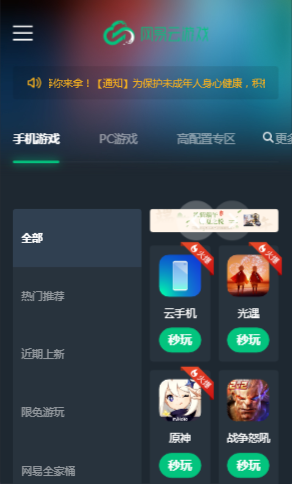

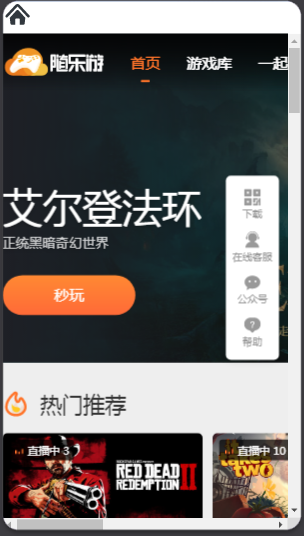

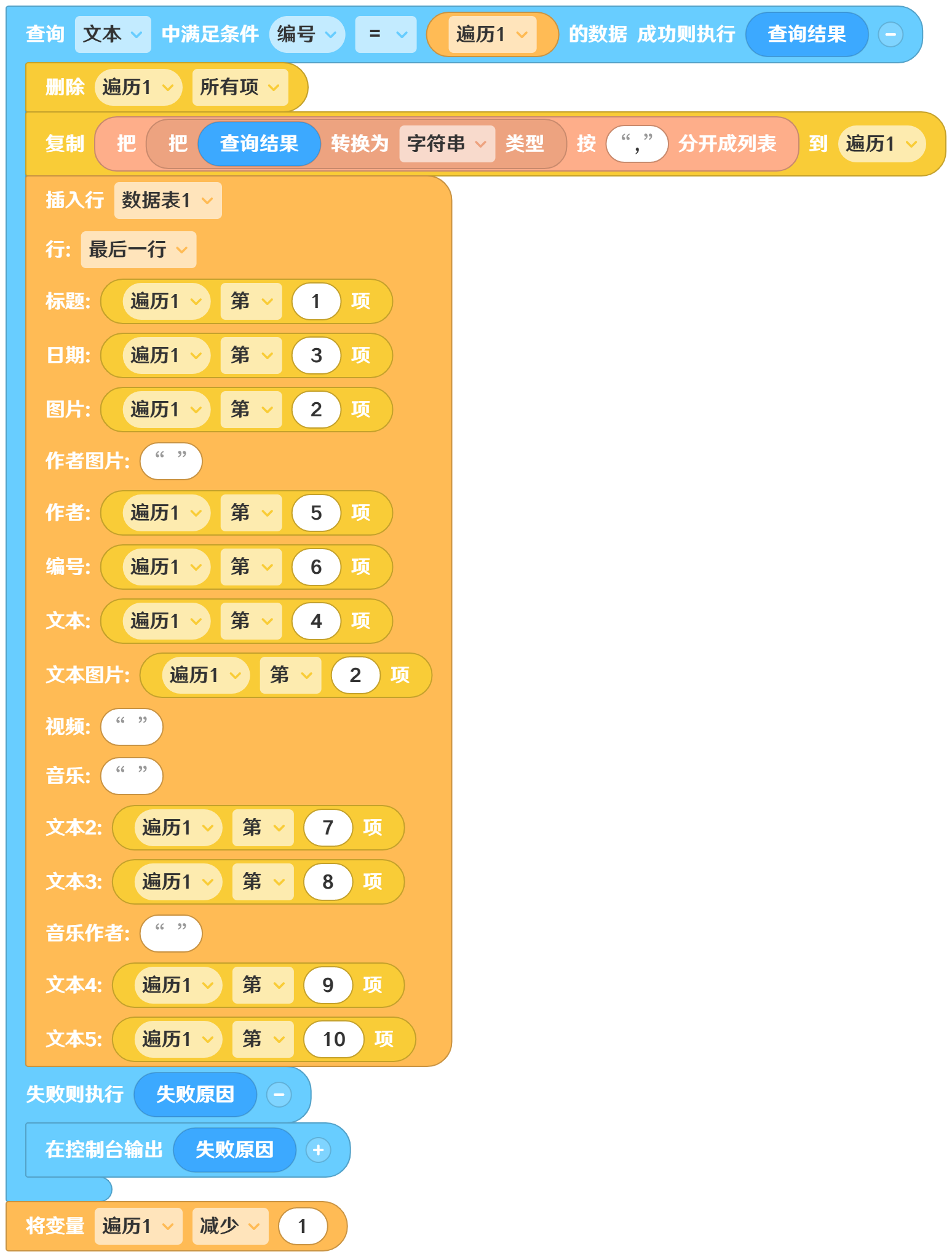
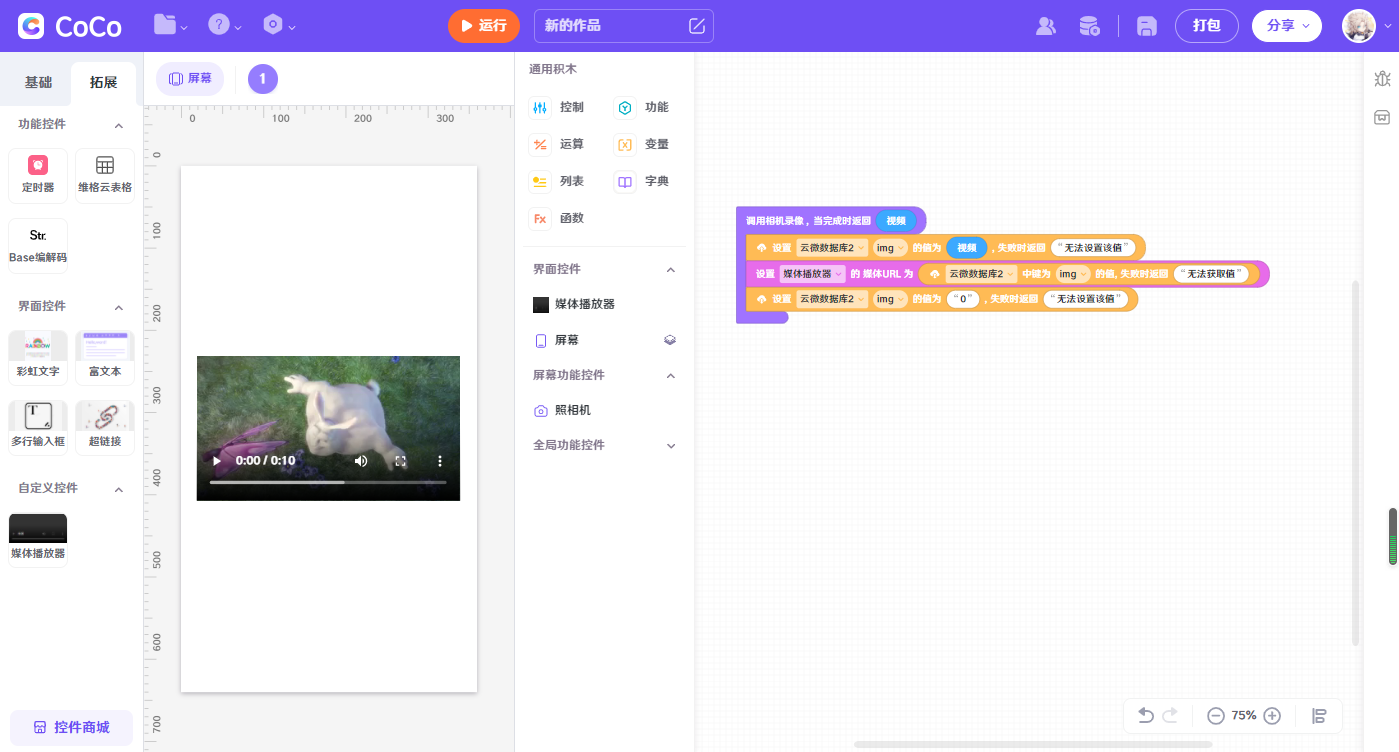 可以把视频链接存起来,需要用的时候用视频播放器这个自定义插件播放