 深度求索查看:177 回复:0 评论:0 创建时间:2024-06-02T20:42:00
用户:深度求索查看:177 回复:0 评论:0 创建时间:2024-06-02T20:42:00
【作品展示】
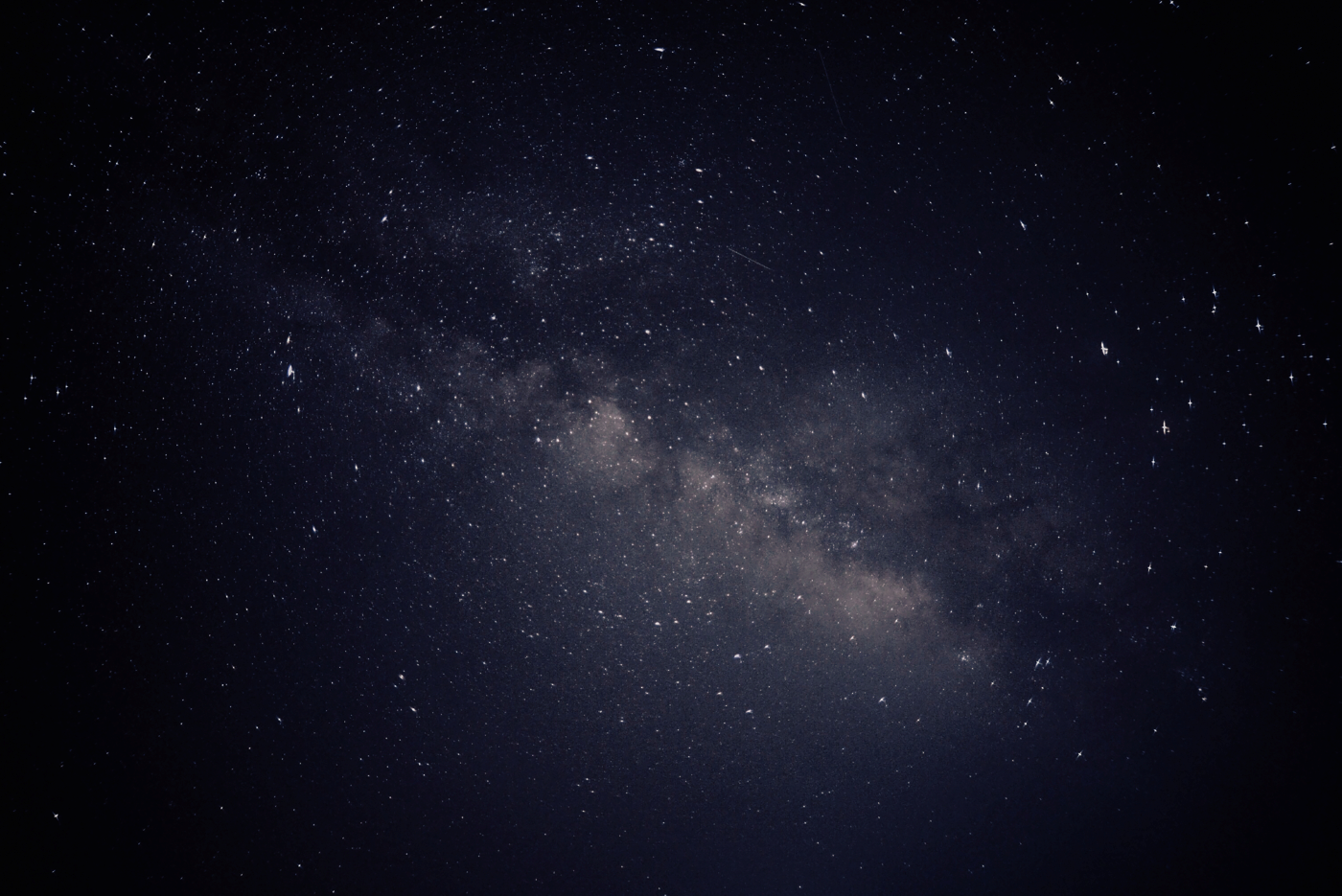
【作品介绍】
666
【作品源代码】
from pgzrun import *
import random
import pygame.freetype
WIDTH = 1400
HEIGHT = 800
pygame.init()
n = 0
n1 = 0
bg = Actor("星空.png")
ship = Actor("飞船.png", (700, 400))
ship2 = Actor("飞船.png", (700, 600))
earth = Actor("地球.png", (100, 700))
mars = Actor("火星.png", (1300, 100))
base = Actor("基地.png", (300, 550))

place = "星空"  # 当前在什么地方:星空、地球、火星

#添加字体文件,并且进行初始化
font = "MizukiMing.ttf"
font_obj = pygame.freetype.Font(font, 20)


def on_mouse_move(pos):
    ship.pos = pos

# 点击交互
def on_mouse_down(pos):
    global place, n, n1
    # 如果飞船碰到地球、同时再点击地球,则进入地球
    if ship.colliderect(earth) and earth.collidepoint(pos):
        place = "地球"
        bg.image = "地球表面"
    # 如果飞船碰到火星、同时再点击火星,则进入火星
    if ship.colliderect(mars) and mars.collidepoint(pos):
        place = "火星"
        bg.image = "火星表面"
    # 当在地球时,点击基地采集地球资源;在火星时,点击基地采集火星资源
    if place == "地球":
        if base.collidepoint(pos):
            print("在地球收集了",n,"能量")
            n += 1
    if place == "火星":
        if base.collidepoint(pos):
            print("在火星收集了",n1,"能量")
            n1 += 1
    # 如果点击降落后的飞船,则重新进入星空
    if ship2.collidepoint(pos):
        place = "星空"
        bg.image = "星空"


# 分场景绘制角色
def draw():
    global place
    screen.clear()
    bg.draw()
    if place == "星空":
        font_obj.render_to(screen.surface, (900, 0),
                           "当前在太空,可以用鼠标控制飞船移动", fgcolor=(255, 255, 255))

        earth.draw()
        mars.draw()
        ship.draw()
    elif place == "地球":
        font_obj.render_to(screen.surface, (900, 0),
                           "已进入地球,点击基地收集能源", fgcolor=(255, 255, 255))
        font_obj.render_to(screen.surface, (900, 50),
                           "点击飞船以返回太空", fgcolor=(255, 255, 255))
        ship2.draw()
        base.draw()
    elif place == "火星":
        font_obj.render_to(screen.surface, (900, 0),
                           "已进入火星,点击基地收集能源", fgcolor=(255, 255, 255))
        font_obj.render_to(screen.surface, (900, 50),
                           "点击飞船以返回太空", fgcolor=(255, 255, 255))
        ship2.draw()
        base.draw()

    # 写出各种资源有多少
def update():
    font_obj.render_to(screen.surface, (400, 0),
                       "火星能源:{n}", fgcolor=(255, 0, 0))
    font_obj.render_to(screen.surface, (400, 50),
                       "地球能源:{n1}", fgcolor=(255, 0, 0))


go()
【提示】
部分含有Python第三方库相关内容的作品,在海龟编辑器网页端无法运行哦!如遇到这种情况,可以打开下面的链接,下载海龟编辑器客户端:
https://python.codemao.cn