 小屑鹿查看:112 回复:2 评论:2 创建时间:2023-08-29T21:49:52
用户:小屑鹿查看:112 回复:2 评论:2 创建时间:2023-08-29T21:49:52
async function particle(entity) {
    const particles = []
    for (i = 0; i <= 20 + Math.floor(Math.random() * 10); i++) {
        const particle = world.createEntity({
            mesh: 'mesh/粒子部件.vb',
            meshScale: [Math.random()*0.02, 0.007, Math.random()*0.02],
            gravity: false,
            fixed: true,
            collides: false,
        })
        particles.push(particle)
    }
    for (const p of particles) {
        await sleep(Math.random()*200)
        const ani=p.animate([
            {
                position: [entity.position.x + Math.random(), entity.position.y + Math.random(), entity.position.z + Math.random()],
                meshOrientation: [Math.random(), Math.random(), Math.random(), Math.random()],
                duration: 1
            },
            {
                position: [entity.position.x + Math.random(), entity.position.y + 50 + Math.random(), entity.position.z + Math.random()],
                meshOrientation: [Math.random(), Math.random(), Math.random(), Math.random()],
                duration: 1
            },
        ], {
            duration: 100,
            direction: GameAnimationDirection.NORMAL,
        })
        ani.onFinish(({})=>{
            p.destroy()
        })
    }
}
world.onPlayerJoin(({entity})=>{
    entity.player.cameraFovY=0.3
})
world.onFluidEnter(({ entity }) => {
    if (entity.isPlayer) {
        particle(entity)
    }
})
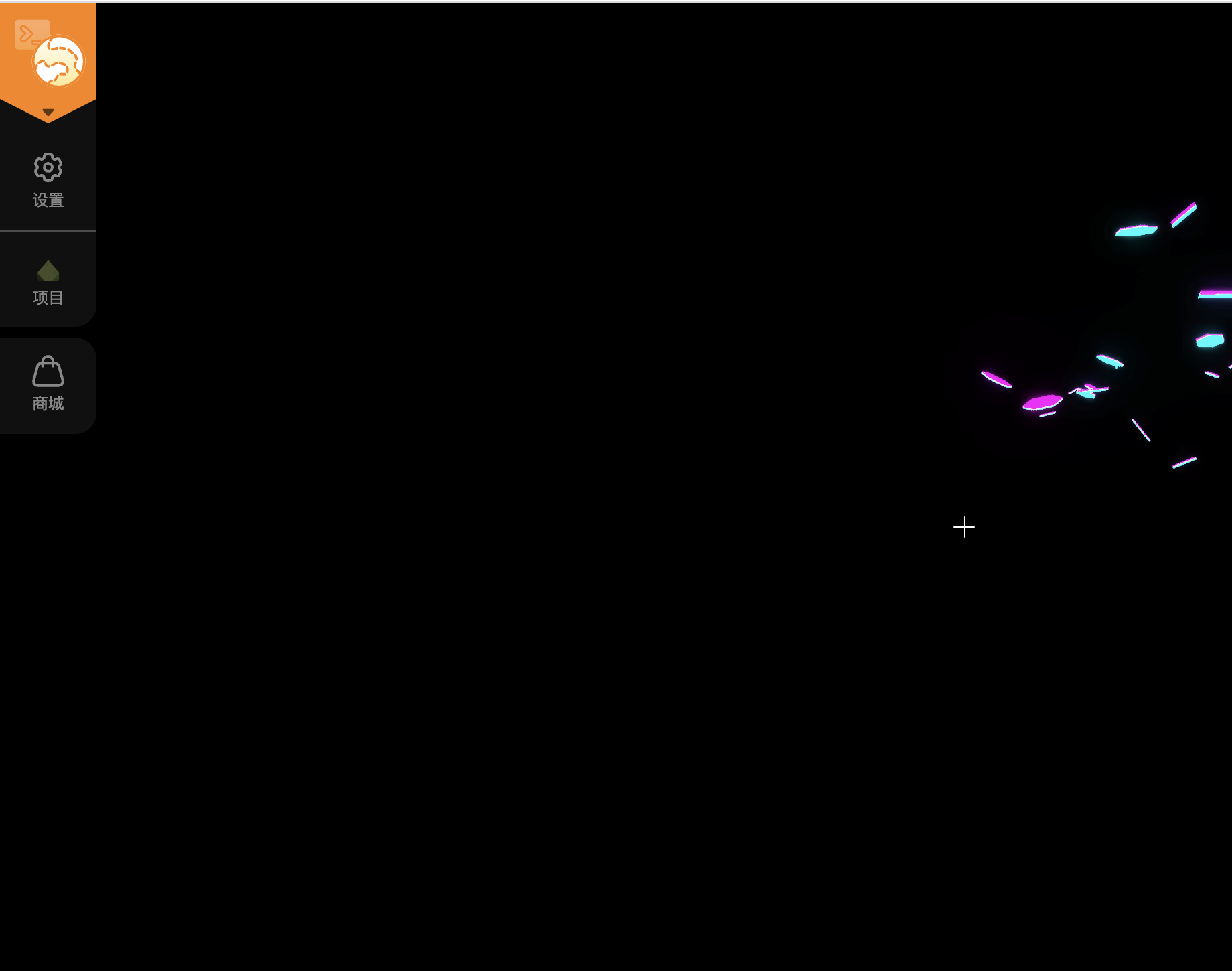
效果图:(但是没拍全
 IKUN爱编程
这段代码是一个用于在玩家进入流体时创建粒子效果的函数。当玩家进入流体时,会调用`particle`函数来创建一系列的粒子。具体的实现逻辑如下:
1. 首先定义了一个空数组`particles`用于存储创建的粒子实体。
2. 然后通过一个循环来创建多个粒子实体,并将其添加到`particles`数组中。每个粒子实体都有一些属性,如网格模型、网格缩放、重力等。
3. 接下来对`particles`数组中的每个粒子实体进行处理。使用`await sleep(Math.random()*200)`来让每个粒子在随机的时间后开始执行动画。
4. 使用`p.animate`方法来定义粒子的动画效果。动画包括两个关键帧,分别设置了不同的位置和网格方向。
5. 通过`ani.onFinish`方法来监听粒子动画的结束事件,在动画结束后销毁该粒子实体。
最后,通过`world.onPlayerJoin`和`world.onFluidEnter`函数来注册事件喵,当玩家加入游戏或进入流体时触发相应的操作。
点赞0
评论
啊?
《mesh: 'mesh/粒子部件.vb'》