 热情的小朋友查看:891 回复:4 评论:1 创建时间:2023-05-21T11:31:30
用户:热情的小朋友查看:891 回复:4 评论:1 创建时间:2023-05-21T11:31:30
哈喽!我是热情的小朋友,我又出新教程啦!
本期教程的主题是空中飞机的制作。
代码见下面:
world.onPlayerJoin(async ({ entity }) => {

    entity.b = 0

})

async function fe(entity) {

    const e = world.querySelector('.飞机');

    world.onTick(({ }) => {

        ax = e.position.x

        ay = e.position.y

        az = e.position.z

    })

    e.velocity.x = 0.5

    e.velocity.z = -0.5

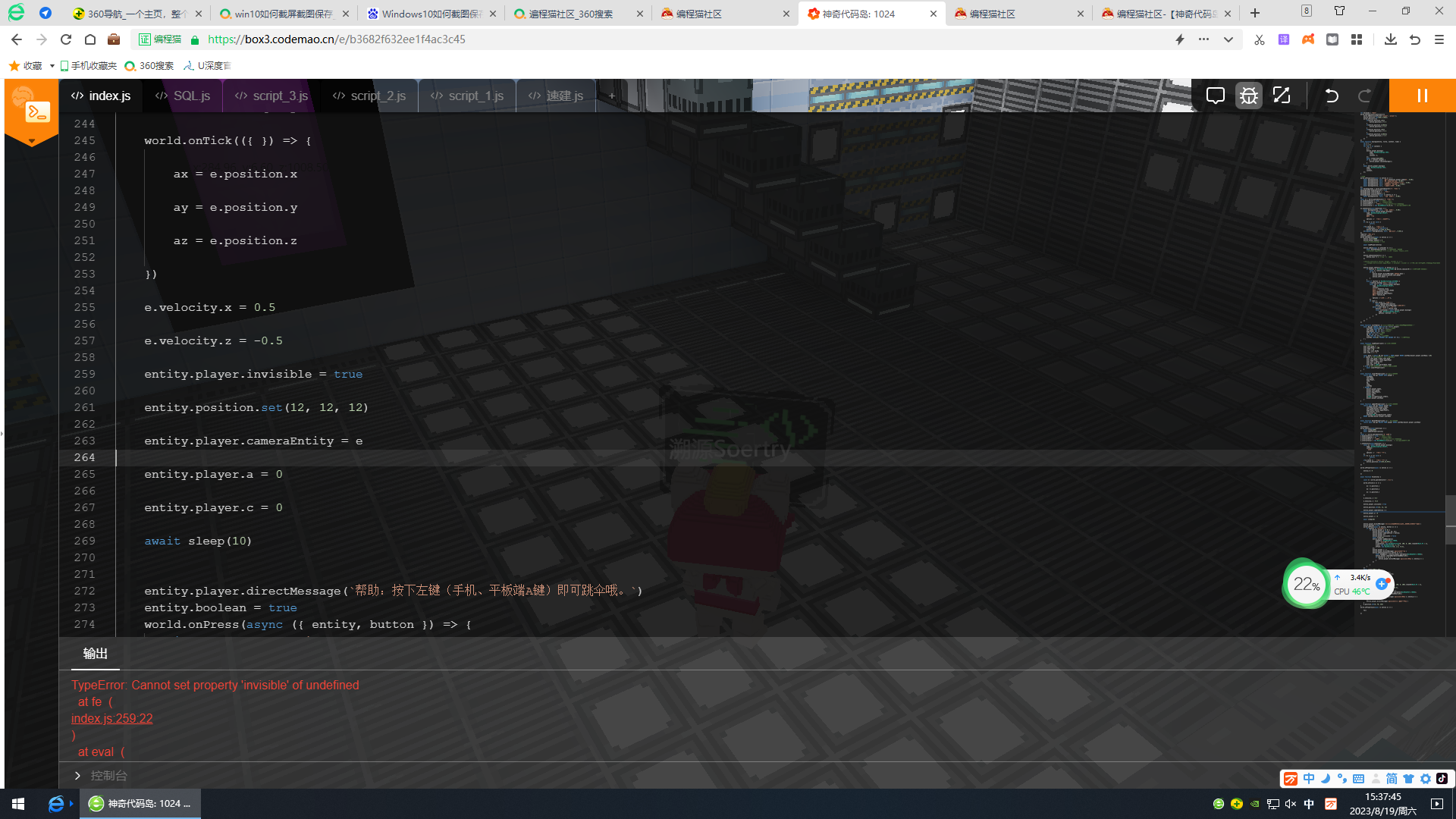
    entity.player.invisible = true

    entity.position.set(12, 12, 12)

    entity.player.cameraEntity = e

    entity.player.a = 0

    entity.player.c = 0

    await sleep(10)


    entity.player.directMessage(`帮助:按下左键(手机、平板端A键)即可跳伞哦。`)
    entity.boolean = true
    world.onPress(async ({ entity, button }) => {
        if (button == "action0") {
            if (entity.player.a == 0) {
                entity.position.set(ax, ay, az);
                entity.player.cameraEntity = entity;
                entity.player.a++
                entity.player.invisible = false
                await sleep(10)
                entity.player.addWearable({
                    bodyPart: Box3BodyPart.TORSO,
                    mesh: 'mesh/降落伞.vb',
                    orientation: new Box3Quaternion(0, 100, 0, 100).rotateY(Math.PI / 2),
                    scale: new Box3Vector3(1, 1, 1),
                    offset: new Box3Vector3(0, 1.6, -0.4),
                });
                entity.player.c = 1
                entity.player.directMessage(`提示:已跳伞!`)
                entity.onVoxelContact(({ entity }) => {
                    const headWears = entity.player.wearables(Box3BodyPart.TORSO);
                    entity.player.removeWearable(headWears[0]);
                    if (entity.b != 1) {
                        entity.player.directMessage(`提示:已落地!`); entity.b = 1
                    }
                })

            }
        }
    })
    await sleep(1000 * 28)
    if (entity.player.c == 0) {
        entity.position.set(ax, ay, az);
        entity.player.cameraEntity = entity;
        entity.player.a++
        entity.player.invisible = false
        await sleep(10)
        entity.player.addWearable({
            bodyPart: Box3BodyPart.TORSO,
            mesh: 'mesh/降落伞.vb',
            orientation: new Box3Quaternion(0, 100, 0, 100).rotateY(Math.PI / 2),
            scale: new Box3Vector3(1, 1, 1),
            offset: new Box3Vector3(0, 1.6, -0.4),
        });
        entity.onVoxelContact(({ entity }) => {
            const headWears = entity.player.wearables(Box3BodyPart.TORSO);
            entity.player.removeWearable(headWears[0]);
            if (entity.b != 1) {
                entity.player.directMessage(`提示:已落地!`); entity.b = 1
            }
        })
        entity.player.directMessage(`提示:已自动为你跳伞啦!`)
    }
    e.position.set(6, 70, 245)
}
world.onPlayerJoin(async ({ entity }) => {

    fe()

})
对了,记得在场景中放入飞机模型,并加标签“飞机”
还要加个模型:mesh/降落伞.vb
注:此代码只可以在超大规格的地图里使用,如果想在大规格的地图里使用,须调整一些参数哦!(这个就当作本期教程的小作业吧!)
 是吧
是吧