 击因你胎没查看:57 回复:2 评论:1 创建时间:2023-05-07T11:35:34
用户:击因你胎没查看:57 回复:2 评论:1 创建时间:2023-05-07T11:35:34
【作品展示】
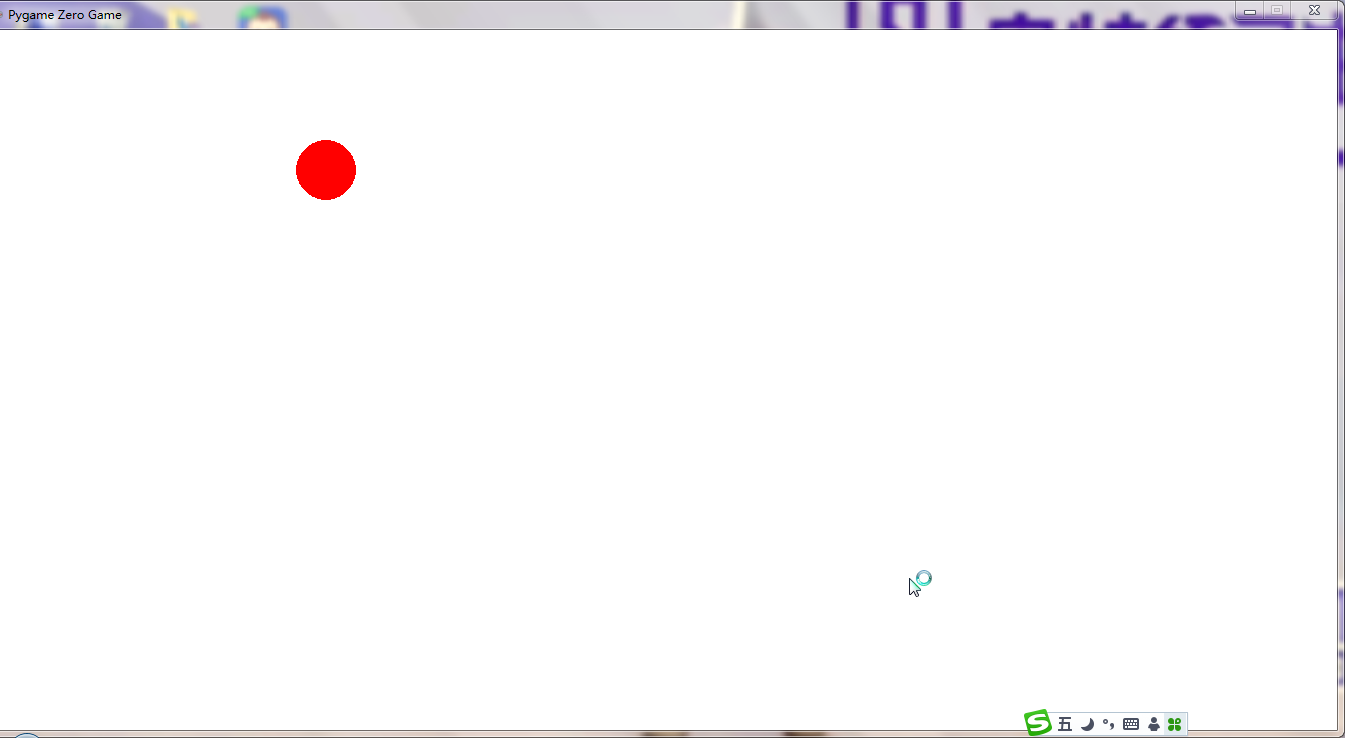
【作品介绍】
无
【作品源代码】
import pgzrun
WIDTH=1350
HEIGHT=700
x=WIDTH/2
y=HEIGHT/2
speed_x=3
speed_y=5
r=30

def draw():
    screen.fill('white')
    screen.draw.filled_circle((x,y),r,'red')

def update():
    global x,y,speed_x,speed_y
    x=x+speed_x
    y=y+speed_y
    if x>=WIDTH-r or x<=r:
        speed_x=-speed_x
    if y>=HEIGHT-r or y<=r:
        speed_y=-speed_y

pgzrun.go()
【提示】
部分含有Python第三方库相关内容的作品,在海龟编辑器网页端无法运行哦!如遇到这种情况,可以打开下面的链接,下载海龟编辑器客户端:
https://python.codemao.cn 黄氏工业园部长hjc
turtle库都能做
import turtle

# 创建窗口并设置属性
win = turtle.Screen()
win.title('弹球游戏')
win.bgcolor('white')

# 创建球体
ball = turtle.Turtle()
ball.shape('circle')
ball.color('black')
ball.penup()
# 定义球的初始位置和速度
x = 0
y = 300
speed_x = 2
speed_y = -3

while True:
    # 移动球的位置
    x += speed_x
    y += speed_y
    ball.goto(x, y)

    # 检查球是否碰到了左右两边的墙壁
    if x > 290 or x < -290:
        speed_x *= -1

    # 检查球是否碰到了底部边缘
    if y < -290:
        speed_y *= -1

    # 等待一段时间,使球的运动看起来更流畅
    win.update()
点赞0
评论
花了5分钟!