 西贝在躺平查看:148 回复:0 评论:0 创建时间:2023-03-01T21:51:40
用户:西贝在躺平查看:148 回复:0 评论:0 创建时间:2023-03-01T21:51:40
大家好呀·我是西贝~
今天来给岛民上一期小小滴教程
跑酷教程!!!!

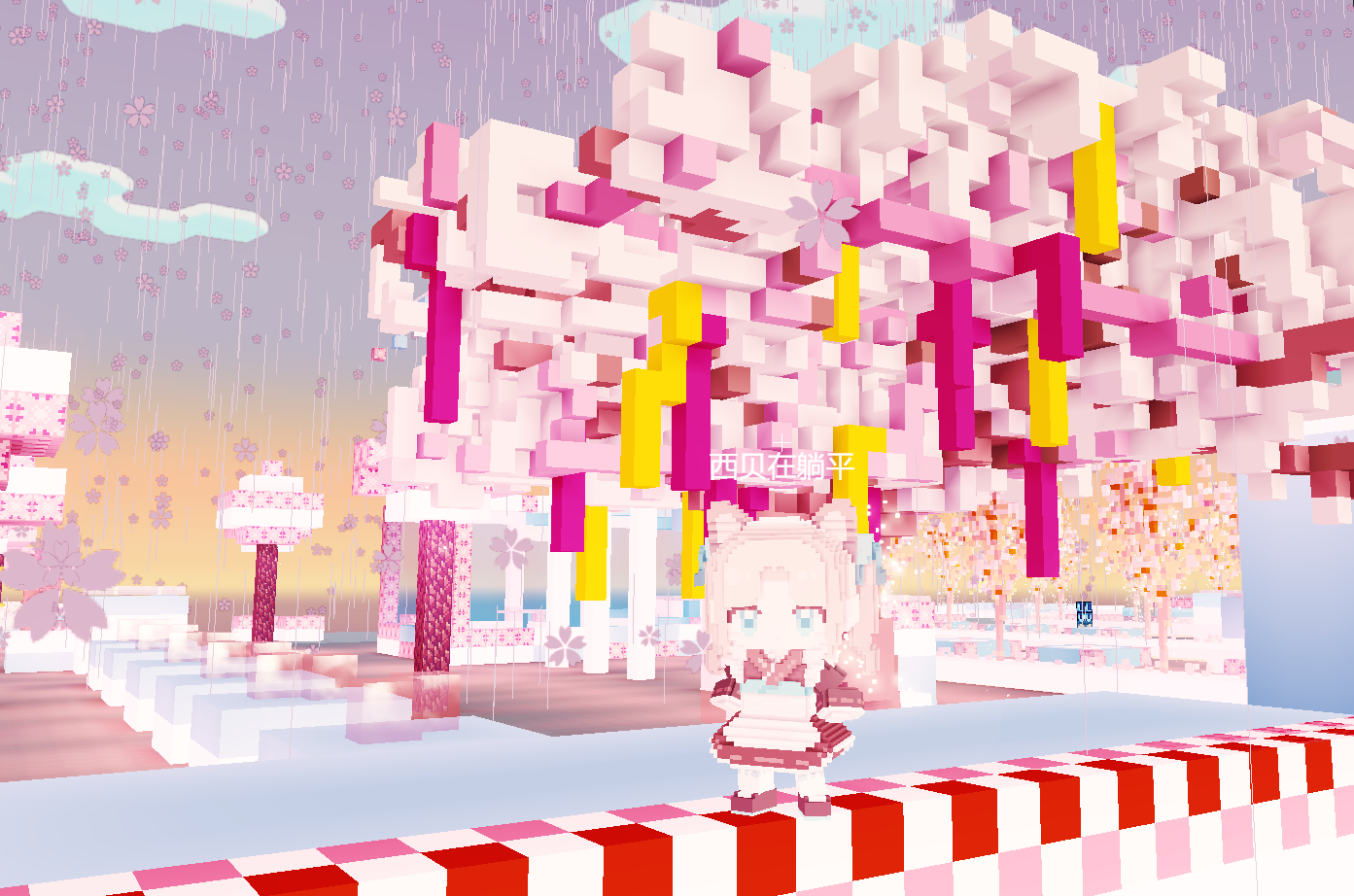
就先以我滴海の落樱(自认为颜值蛮高的)为例吧~
首先就是方块存档,具体都有标注的哈!
//存档点(方块版)
world.addCollisionFilter('player', 'player')
world.onVoxelContact(({entity,voxel})=>{
    if(voxel==voxels.id('s')){ //这里可以写你要存档的方块
        entity.player.spawnPoint.copy(entity.position)
        entity.player.directMessage('恭喜你存档成功啦~')
    }
})
然后就是大家常见的存档,用存档点存档

for (const e of world.querySelectorAll('*')) {//遍历所有实体
    if (e.id.startsWith('存档点【存档点的名字就好】')) {//记得填存档点的名字
        e.collides = true //开启碰撞
        e.fixed = true //固定实体不被推移
        e.meshScale = e.meshScale.scale(1) //放大1倍【你也可以放大2,3...倍】
        e.onEntityContact(({ other }) => { //每当存档点碰到另一个实体
            if (other.isPlayer) { //另一个实体是玩家
                if (e.position !== other.player.spawnPoint) { // 检测
                    other.player.directMessage('到达新的重生点啦! ') //
                    other.player.spawnPoint = e.position //
                }
            }
        }
        )
    }
}
world.onPlayerJoin(({ entity }) => {
    entity.onFluidEnter(() => {//当玩家掉到水里
        entity.player.directMessage('落水啦~') //
        entity.position.copy(entity.player.spawnPoint)
        entity.position.y += 4
    })
})
基础存档点的教程就做好啦!!!
当然这只是跑酷教程【1】
剧透一下,下期来做菜单噢·~
白白噢ヾ(•ω•`)o