用户昵称不违规查看:80 回复:1 评论:0 创建时间:2023-01-11T14:35:04
用户:
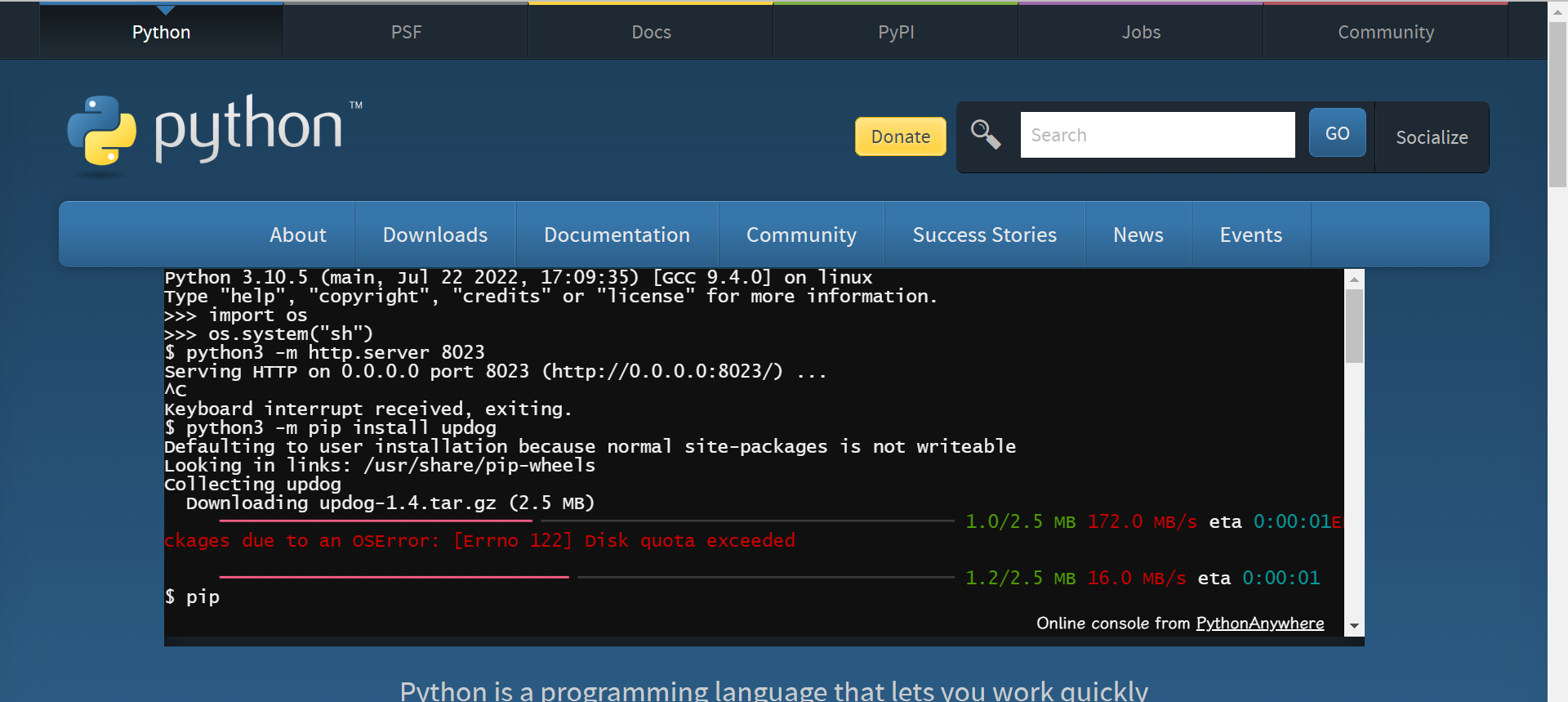
Python 3.10.5 (main, Jul 22 2022, 17:09:35) [GCC 9.4.0] on linux
Type "help", "copyright", "credits" or "license" for more information.
>>> import os
>>> os.system("sh")
$ python3 -m http.server 8023
Serving HTTP on 0.0.0.0 port 8023 (http://0.0.0.0:8023/) ...
^C
Keyboard interrupt received, exiting.
$ python3 -m pip install updog
Defaulting to user installation because normal site-packages is not writeable
Looking in links: /usr/share/pip-wheels
Collecting updog
  Downloading updog-1.4.tar.gz (2.5 MB)
     ━━━━━━━━━━━━━━━━━╺━━━━━━━━━━━━━━━━━━━━━━ 1.0/2.5 MB 172.0 MB/s eta 0:00:01ERROR: Could not install pa
ckages due to an OSError: [Errno 122] Disk quota exceeded
     ━━━━━━━━━━━━━━━━━━━╺━━━━━━━━━━━━━━━━━━━━ 1.2/2.5 MB 16.0 MB/s eta 0:00:01
$ pip
     ━╸━━━━━━━━━━━━━━━━━━━━━━━━━━━━━━━━━━━━━━ 1.1/21.9 MB 100.1 MB/s eta 0:00:01
Usage:
  pip <command> [options]

Commands:
  install                     Install packages.
  download                    Download packages.
  uninstall                   Uninstall packages.
  freeze                      Output installed packages in requirements format.
  inspect                     Inspect the python environment.
  list                        List installed packages.
  show                        Show information about installed packages.
  check                       Verify installed packages have compatible dependencies.
  config                      Manage local and global configuration.
  search                      Search PyPI for packages.
  cache                       Inspect and manage pip's wheel cache.
  index                       Inspect information available from package indexes.
  wheel                       Build wheels from your requirements.
  hash                        Compute hashes of package archives.
  completion                  A helper command used for command completion.
  debug                       Show information useful for debugging.
  help                        Show help for commands.

General Options:
  -h, --help                  Show help.
  --debug                     Let unhandled exceptions propagate outside the main subroutine, instead of
                              logging them to stderr.
  --isolated                  Run pip in an isolated mode, ignoring environment variables and user
                              configuration.
  --require-virtualenv        Allow pip to only run in a virtual environment; exit with an error
                              otherwise.
  -v, --verbose               Give more output. Option is additive, and can be used up to 3 times.
  -V, --version               Show version and exit.
  1 public class HelloWorld {
  --disable-pip-version-check
                              Don't periodically check PyPI to determine whether a new version of pip is
                              available for download. Implied with --no-index.
  --no-color                  Suppress colored output.
  --no-python-version-warning
                              Silence deprecation warnings for upcoming unsupported Pythons.
  --use-feature <feature>     Enable new functionality, that may be backward incompatible.
  --use-deprecated <feature>  Enable deprecated functionality, that will be removed in the future.
  1 public class hello {
$ pip install pygame
Defaulting to user installation because normal site-packages is not writeable
Looking in links: /usr/share/pip-wheels
Collecting pygame
  Downloading pygame-2.1.2-cp310-cp310-manylinux_2_17_x86_喵.manylinux2014_x86_喵.whl (21.9 MB)
     ━━━━━━━━━━━━━━━━━━━━━━━━━━━━━━━━━━━━━━━━ 0.0/21.9 MB ? eta -:--:--ERROR: Could not install packages due to an OSError: [Errno 122] Disk quota exceeded

     ━╸━━━━━━━━━━━━━━━━━━━━━━━━━━━━━━━━━━━━━━ 1.1/21.9 MB 100.1 MB/s eta 0:00:01
$ vi hello.java
$ javac hello.java
hello.java:1: error: class HelloWorld is public, should be declared in a file named HelloWorld.java
public class HelloWorld {
       ^
1 error
$ rename
sh: 7: rename: not found
$ vi hello.java
$ javac hello.java
$ java hello.class
Error: Could not find or load main class hello.class
Caused by: java.lang.ClassNotFoundException: hello.class
$ java hello
Hello World
$