 某新品种的兔子查看:130 回复:5 评论:0 创建时间:2023-01-03T21:45:44
用户:某新品种的兔子查看:130 回复:5 评论:0 创建时间:2023-01-03T21:45:44
【作品展示】
【作品介绍】
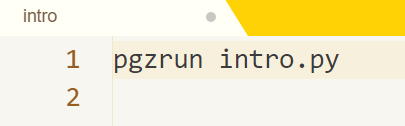
qwq各位,本人在尝试使用Pygame Zero制作作品,但是按照教程输入后程序报错:“SyntaxError:invalid syntax”(语法错误:无效语法)试过导入库,但是导入的时候名字不能带空格,替换成下划线也不行,去掉空格也不行,把大写换成小写也不行,在此命令前加上前缀(如import Pygame_Zero则是Pygame_Zero.pgzrun intro.py)也不行,有人知道怎么办吗QAQ救救孩吧!
【作品源代码】
pgzrun intro.py
【提示】
部分含有Python第三方库相关内容的作品,在海龟编辑器网页端无法运行哦!如遇到这种情况,可以打开下面的链接,下载海龟编辑器客户端:
https://python.codemao.cn 铭铭2011
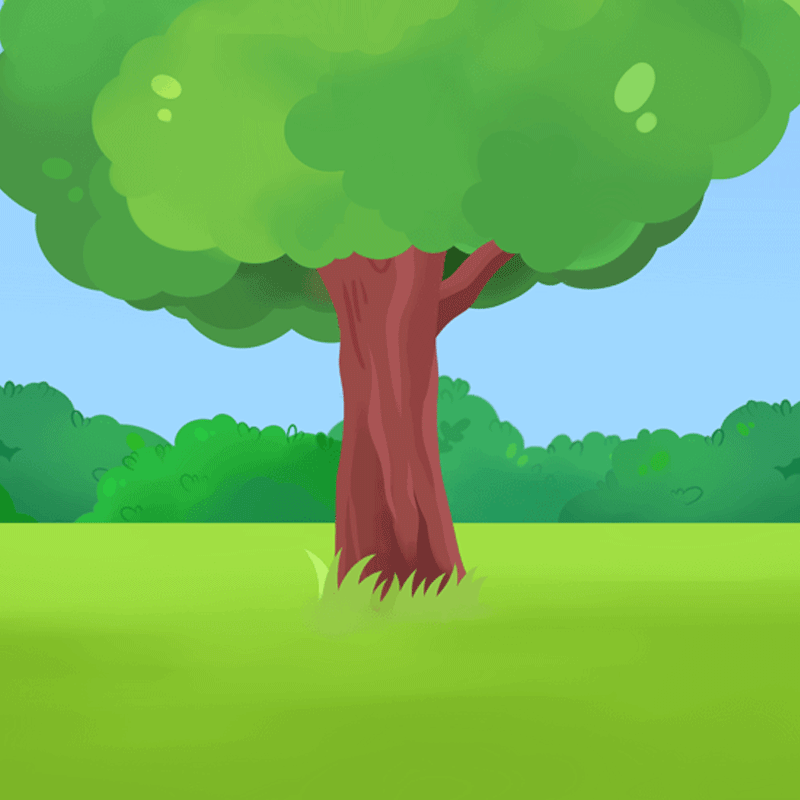
Py game zore可以在网页运行。我在运行时照教程输入它也不知道报错了多少次,应该是海龟的BUG。另外按教程输入有时能运行但是没效果,下面是卡BUG的作品(没做完,由于BUG太多,直接弃了)(运行时记得添加对应的素材,不然程序会报错,素材请看代码下方图片):
import random
import time
from pgzrun import *

background = Actor('background.gif')

WIDTH = background.width
HEIGTH = background.height

p1 = Actor('p2',center=(250,550))
p2 = Actor('red2',center=(500,550))

p1a = 0
p2a = 0
t = input('请输入限时')
game = True

def time():
    time.sleep(1)
    t - 1
    if t <= 0:
        game = False
        print('游戏结束!')

def draw():
    screen.clear()
    background.draw()
    p1.draw()
    p2.draw()

def p1_or_p2_image():
    p1.image = 'p2'
    p2.image = 'red2'

def on_key_down(key):
    if game:
        if key == keys.A:
            p1a + 1
            p1.image = 'p1'
            print('玩家1得分:',p1a)

go()
素材:
background.gif:
p2:
 p1:
p1:

red2:

red1:

点赞1
评论