和蔼的达达蟹OY_R查看:251 回复:7 评论:2 创建时间:2022-12-19T10:50:19
用户:
首先,把屏幕大小设置为横版4:3(因为正好是UT的窗口比例):
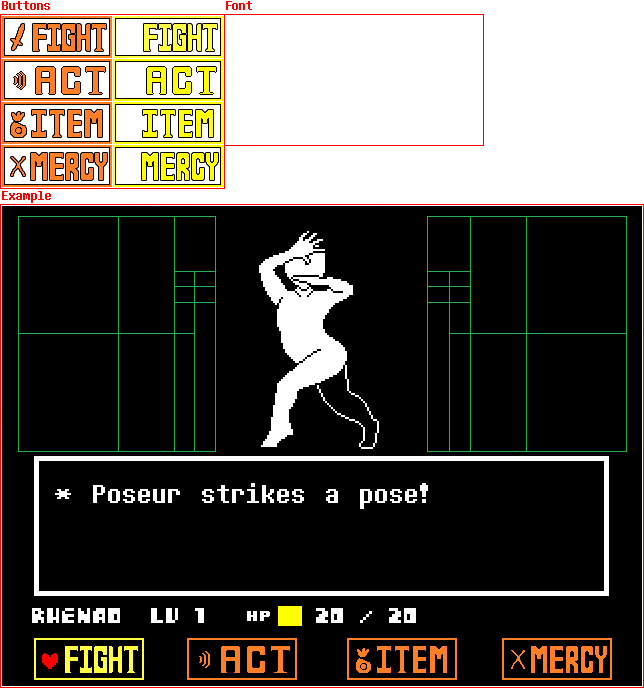
然后把背景换成黑色: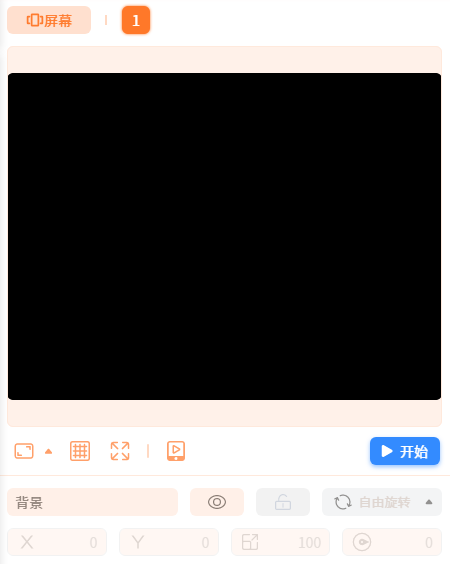 开始创作之前,先搞一张参考截图(推荐使用尺寸为喵0 × 480的图片,然后调整大小为150):
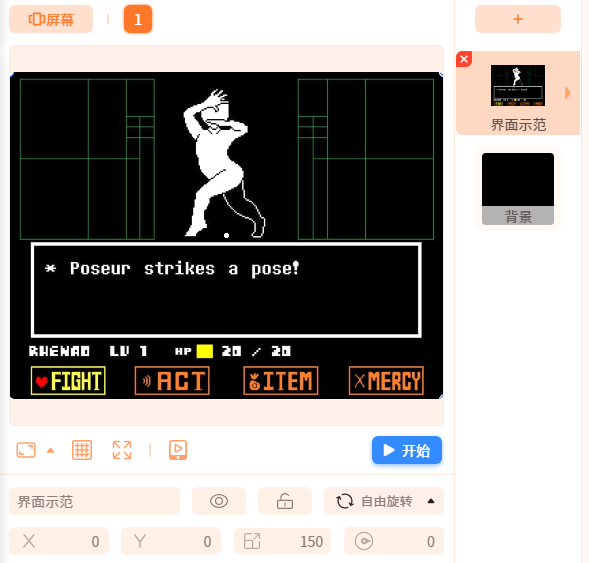 然后开始创作!
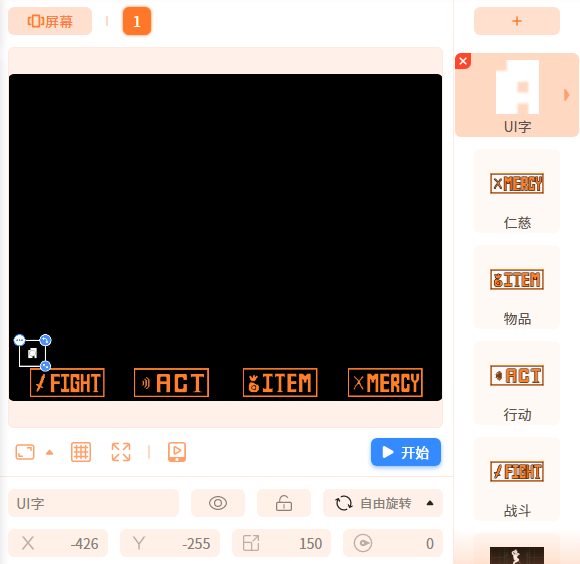
首先,把按钮放上去,并调整好大小和位置(截图隐藏如下,按钮有两个造型):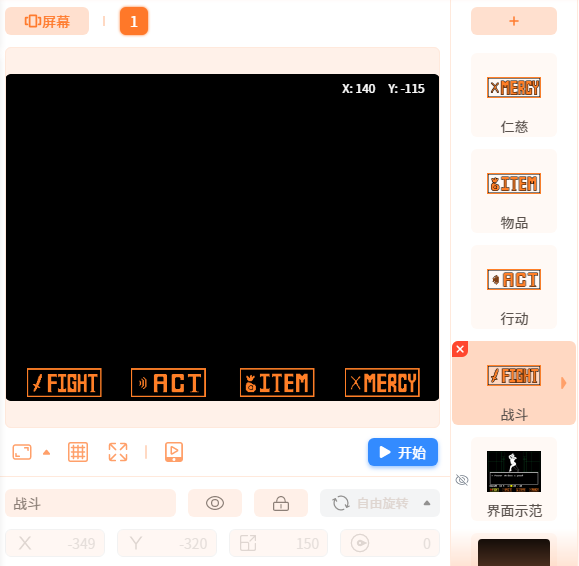 接着加上UI字:
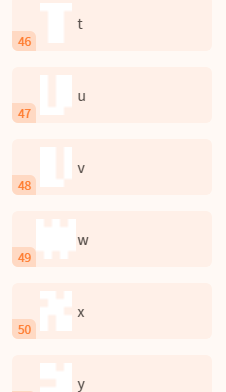
 相关需要的贴图(字母、数字、点、减号、斜杠、空格和LV字符):
 然后,定义变量: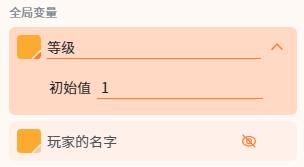
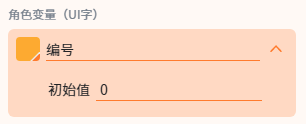
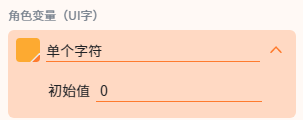
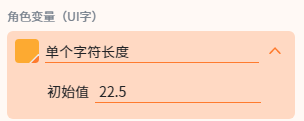 相关脚本如下:
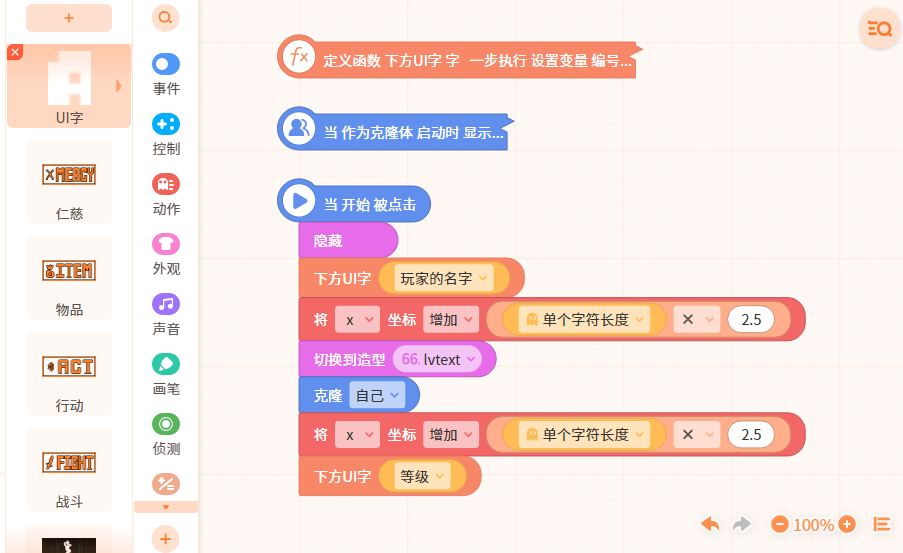 相关折叠积木如下: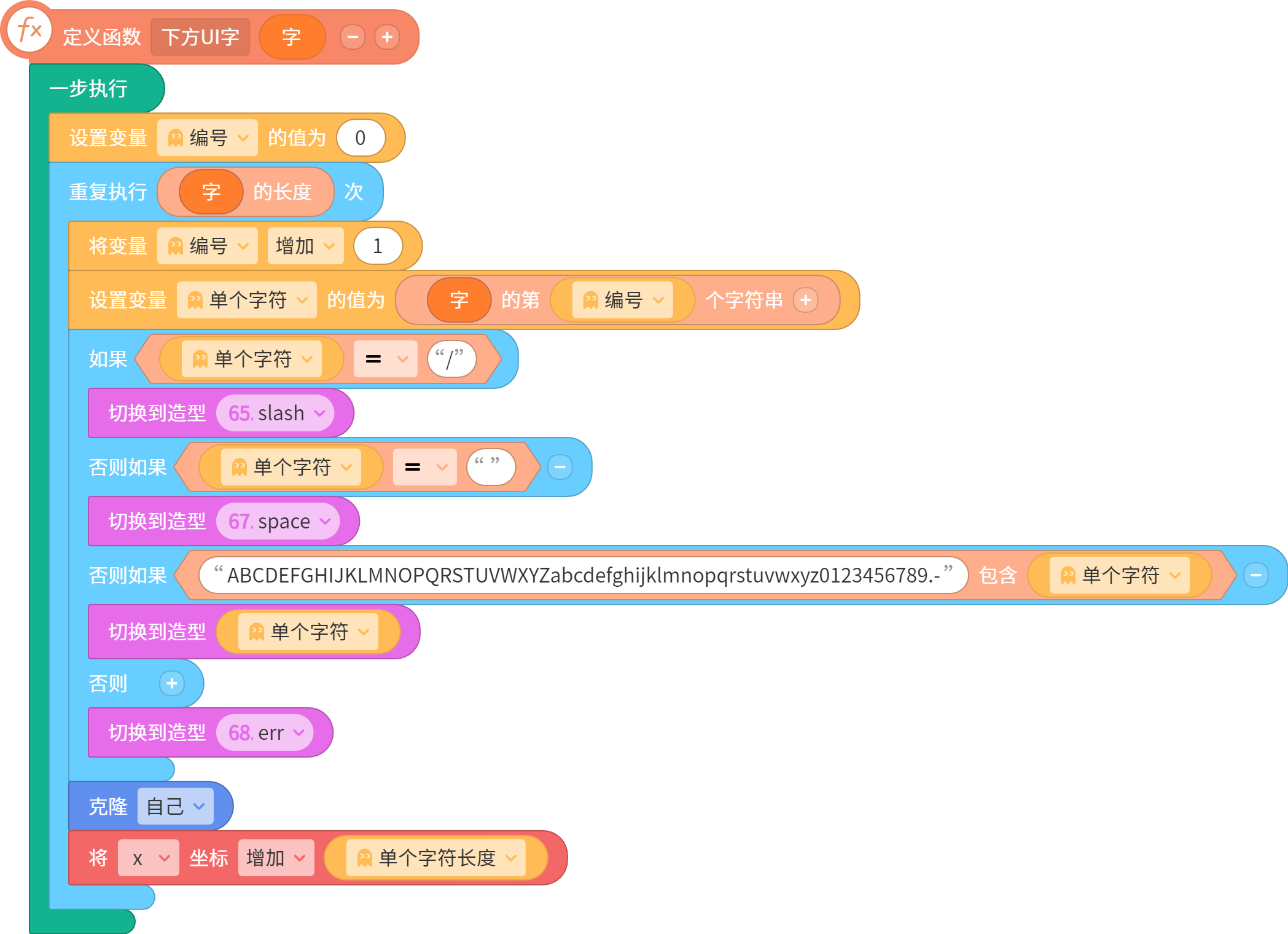
 最后,看看效果!
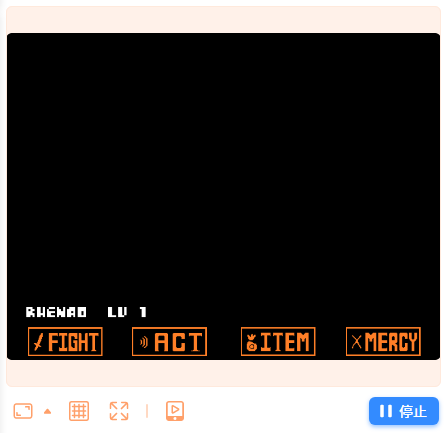 下个教程将会加入HP、战斗框和战斗背景
和蔼的达达蟹OY_R①界面⑵:https://shequ.codemao.cn/community/508705
①界面⑶:https://shequ.codemao.cn/community/513244
点赞0
评论
②灵魂操控⑴:https://shequ.codemao.cn/community/514962 ②灵魂操控⑵:https://shequ.codemao.cn/community/516245 ②灵魂操控⑶:https://shequ.codemao.cn/community/516496
②灵魂操控⑷:https://shequ.codemao.cn/community/517642 ②灵魂操控⑸:https://shequ.codemao.cn/community/518124