 锦廷查看:71 回复:0 评论:0 创建时间:2022-08-10T10:41:33
用户:
【作品展示】
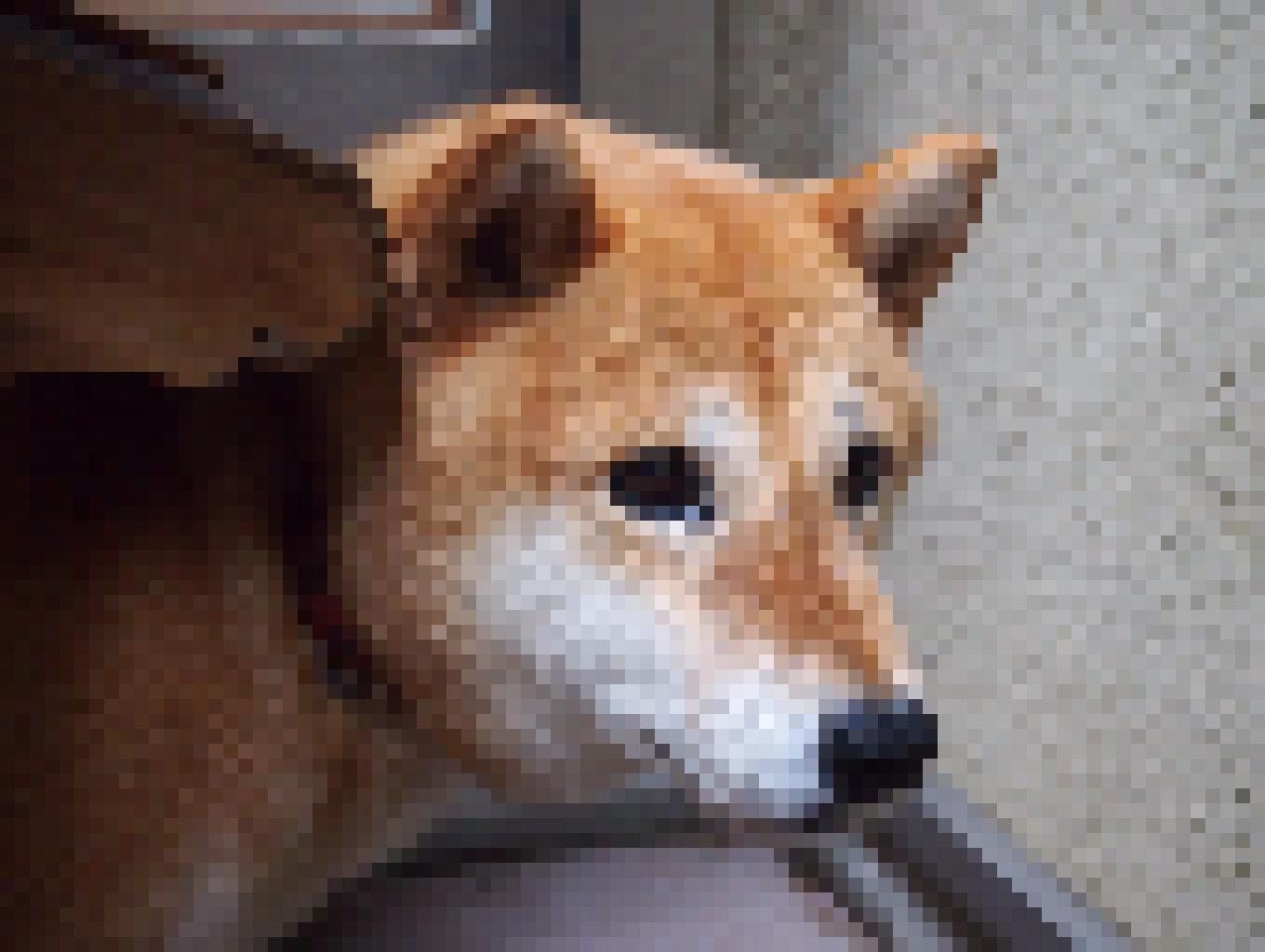
【作品介绍】
打马赛克
【作品源代码】
from tkinter import filedialog as fi
from tkinter import*
from PIL import Image,ImageDraw
w=Tk()
w.geometry('300x200')
w.title('pictures')
f=''
f_s=''
def askf():
    global f
    f = fi.askopenfilename()
    E.delete(0,'end')
    E.insert(0,f)
def asave():
    global f_s
    f_s = fi.asksaveasfilename()
    E_fs.delete(0,'end')
    E_fs.insert(0,f_s)
def s():
    i = Image.open(f)
    x, y = i.size
    pixel = 15
    new_x, new_y = x // pixel, y // pixel
    color_data = i.load()
    image_new = Image.new('RGB', (new_x * pixel, new_y * pixel))
    draw = ImageDraw.Draw(image_new)
    for i in range(new_x):
        for j in range(new_y):
            color = color_data[i * pixel, j * pixel]
            draw.rectangle((i * pixel, j * pixel, (i + 1) * pixel,
                           (j + 1) * pixel), fill=color, outline=color)
    image_new.save(fi.asksaveasfilename(),'JPEG')
    E_t.delete(0,'end')
    E_t.insert(0,'转换完成!')

b_t = Button(w,text='选择图片位置',command=askf)
b_ts = Button(w, text='选择保存位置', command=asave)
b_tt = Button(w,text='点击开始转换',command=s)

E=Entry(w,width=40)
E_fs=Entry(w,width=40)
E_t=Entry(w, width=40)

b_t.pack()
b_ts.pack()
b_tt.pack()
E.pack()
E_fs.pack()
E_t.pack()

w.mainloop()
【提示】
部分含有Python第三方库相关内容的作品,在海龟编辑器网页端无法运行哦!如遇到这种情况,可以打开下面的链接,下载海龟编辑器客户端:
https://python.codemao.cn