 神岛的梦_夜查看:352 回复:7 评论:8 创建时间:2022-07-08T19:09:13
用户:神岛的梦_夜查看:352 回复:7 评论:8 创建时间:2022-07-08T19:09:13
没错~永夜我回来了~放暑假啦
欸……闲的没事,来论坛氵个教程~
话不多说,开摆~
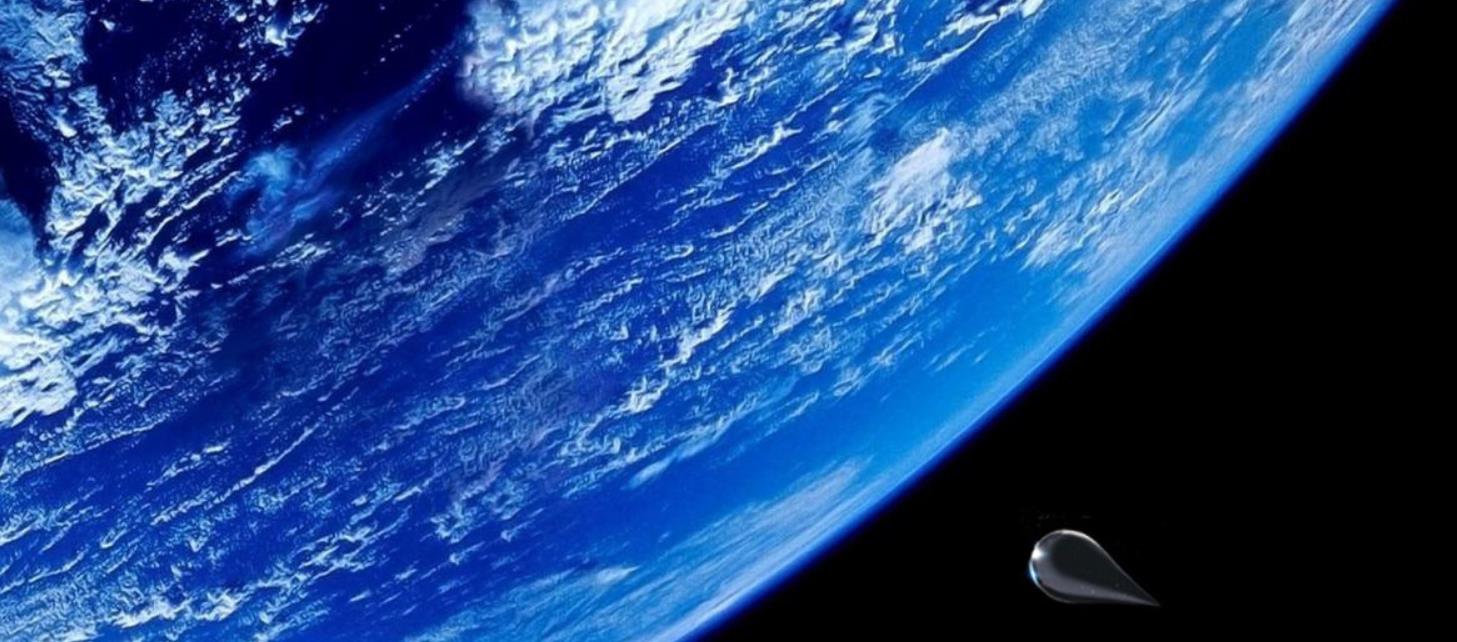
as everyone knows:在现实中,水滴,长这个样子:👇

啊对对对,不南看出,水,落在水中,会出现亿点点波纹~
那么,在神岛,要怎么做成这玩意呢?
首先:你需要给
https://box3.codemao.cn/u/lyc123这个家伙点个关注~毕竟是作者(啊啊啊别打我
然后,你需要用这家伙的模型:👇
名字叫 ‘水 波’ ->注意中间有个' '(别问我为什么不发链接……官方不通过,俺也没办法)
以及:
https://box3.codemao.cn/v/1719还有:
https://box3.codemao.cn/v/674736《注意》:这个模型的话,要加个‘yu’的标签,想要雨多一点,就多复制几个(显示器爆了别来找我
最后,需要亿点点代码:👇(不多做解释,会JS的一看就懂,不会的嘛……抓个野生的来解释就彳亍)
var seaLevel=20;
var xzZoom=15;
var yZoom=15;
var exZ1=1;
var exZ2=1;
var exZ3=10;
var base=15;

(async function(){
for(let i=0;i<127;i+=0.1){

    var xh=Math.sin(i/xzZoom)*yZoom;
    for(let j=0;j<127;j+=0.1){
        var zh=Math.pow(Math.sin(j/xzZoom),3)*yZoom*exZ1;
        if(xh+zh+base<seaLevel){
            voxels.setVoxel(i,xh+zh+base,j,"dirt");
            for(let k=0;k<xh+zh+base-1;k++){
                voxels.setVoxel(i,k,j,"dirt");
            }
        }else if(Math.round(xh+zh+base)==seaLevel){
            voxels.setVoxel(i,xh+zh+base,j,"sand");
            for(let k=0;k<xh+zh+base-1;k++){
                voxels.setVoxel(i,k,j,"dirt");
            }
        }else{
            voxels.setVoxel(i,xh+zh+base,j,"grass");
            for(let k=0;k<xh+zh+base-1;k++){
                voxels.setVoxel(i,k,j,"dirt");
            }
        }


    }
    await sleep(10);
}
for(let i=0;i<127;i++){
    for(let j=0;j<127;j++){
        for(let k=0;k<=seaLevel;k++){
            if(voxels.getVoxel(i,k,j)==0){
                voxels.setVoxel(i,k,j,"water");
            }
        }
    }
}
})()
async function shui(entity, aaa) {
    const sd = world.createEntity({
        mesh: 'mesh/水滴.vb',
        gravity: 0.1,
        collides: true,
        fixed: false,
        meshEmissive: 0.05,
        position: [Math.floor(entity.position.x), aaa, Math.floor(entity.position.z)]
    })
    sd.addTag('sd')
}
world.onFluidEnter(async ({ entity }) => {
    if (entity.hasTag('sd')) {
        entity.destroy();
        const bo1 = world.createEntity({
            mesh: 'mesh/水 波.vb',
            gravity: false,
            collides: false,
            fixed: true,
            meshColor: [0, 0, 1, 1],
            //meshEmissive: 0.2,
            position: [entity.position.x,entity.position.y, entity.position.z]
        })
        bo1.meshScale.y = 0.01
        //await sleep(1000)
        const bo2 = world.createEntity({
            mesh: 'mesh/水 波.vb',
            gravity: false,
            collides: false,
            fixed: true,
            meshColor: [0, 0, 1, 1],
            meshEmissive: 2,
            position: [entity.position.x,entity.position.y, entity.position.z]
        })
        bo2.meshScale.y = 0.01
        //await sleep(1000)
        const bo = world.createEntity({
            mesh: 'mesh/水 波.vb',
            gravity: false,
            collides: false,
            fixed: true,
            meshColor: [0, 0, 1, 1],
            meshEmissive: 2,
            position: [entity.position.x,entity.position.y, entity.position.z]
        })
        bo.meshScale.y = 0.01
        await sleep(500)
        bo1.meshScale.x += 0.01
        bo1.meshScale.z += 0.01
        bo2.meshScale.x += 0.02
        bo2.meshScale.z += 0.02
        for (let i = 0; i < 9; i++) {
            bo1.meshScale.x += 0.001
            bo1.meshScale.z += 0.001
            bo2.meshScale.x += 0.001
            bo2.meshScale.z += 0.001
            bo.meshScale.x += 0.001
            bo.meshScale.z += 0.001
            await sleep(300)
        }
        bo.destroy()
        bo1.destroy()
        bo2.destroy()
    }
})
world.onEntityContact(async ({ entity, x, y, z }) => {
    if (entity.hasTag('sd')) {
        entity.destroy()
        for (let i = 5; i > 0; i--) { //火花生成10个
            const texiao2 = world.createEntity({
                mesh: 'mesh/水滴.vb', //这里用的是“mesh/炮弹.vb”模型,在你的图中自行调整
                position: [x, y, z],
                fixed: false,
                gravity: true, //火花要允许下落,以便设置速度后自动向下滑行
                collides: false,
                meshScale: [0.01, 0.01, 0.01],
                particleLifetime: 10,
                particleLimit: 100,
                particleRate: 100,
                particleSize: [1, 1, 1, 1, 1],
                particleColor: new Box3RGBColor(0, 1, 1),
                meshColor: new Box3RGBColor(0, 0, 1),
            })
            texiao2.velocity.set(Math.random() * 2 - 1, Math.random() * 2 - 1, Math.random() * 2 - 1) //给火花实体设置速度
            await sleep(1000)
            texiao2.destroy()
        }
    }
})
world.onVoxelContact(async ({ entity, x, y, z }) => {
    if (entity.hasTag('sd')) {
        entity.destroy()
        for (let i = 5; i > 0; i--) { //火花生成10个
            const texiao2 = world.createEntity({
                mesh: 'mesh/水滴.vb', //这里用的是“mesh/炮弹.vb”模型,在你的图中自行调整
                position: [x, y, z],
                fixed: false,
                gravity: true, //火花要允许下落,以便设置速度后自动向下滑行
                collides: false,
                meshScale: [0.01, 0.01, 0.01],
                particleLifetime: 10,
                particleLimit: 100,
                particleRate: 100,
                particleSize: [1, 1, 1, 1, 1],
                particleColor: new Box3RGBColor(0, 1, 1),
                meshColor: new Box3RGBColor(0, 0, 1),
            })
            texiao2.velocity.set(Math.random() * 2 - 1, Math.random() * 2 - 1, Math.random() * 2 - 1) //给火花实体设置速度
            await sleep(1000)
            texiao2.destroy()
        }
    }
})
world.onPlayerJoin(({entity})=>{entity.player.canFly = true})
world.querySelectorAll('.yu').forEach(async (a) => {
    //a.meshInvisible = true
    while (true) {
        shui(a, a.position.y)
        a.position.set(Math.random() * 127, 80, Math.random() * 127)
        await sleep(5000)
    }
})
注:以上代码大部分为 吾 个人研发,速建代码来自YDS尹子,水花落地四溅代码改自Stephan轩的爆炸特效。!请依照个人需求食用,显示器爆了作者可不负任何责任👻
---------------------------------------------------
没了……啊对对对
最后附上体验链接:👇
https://box3.codemao.cn/e/8c62e44a4e5df521496f 云游box3der尖头叉子
还不错)但是我觉得可以把水滴大小变化的速度变慢点
点赞1
评论
卡…………………………我也试过…………………………………………卡卡卡卡卡卡卡s啊
可以优化()
比如说把循环压缩一下()
懒得搞