用户:Spark_Fire查看:0 回复:0 评论:0 创建时间:2022-05-22T21:04:49
【作品展示】
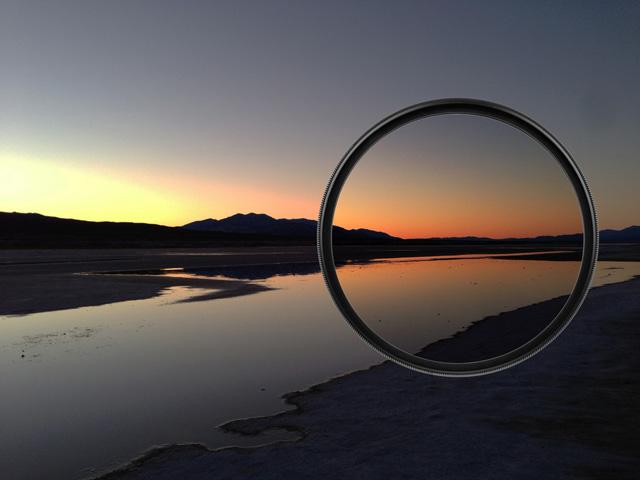
【作品介绍】
更新过的完整作品!!多看看哦~
【作品源代码】
import turtle
from PIL import Image, ImageFilter  # 导入pillow, ImageFilter
import matplotlib.pyplot as plt  # 导入matplotlib的pyplot

# 打开图片
img = Image.open(input('请输入图片名称,比如bcm.jpg(.jpg一定要写!) '))


# 常用滤镜
filters = [
    ImageFilter.BLUR,  # 模糊
    ImageFilter.CONTOUR,  # 轮廓
    ImageFilter.EDGE_ENHANCE,  # 边缘增强
    ImageFilter.EDGE_ENHANCE_MORE,  # 边缘再增强
    ImageFilter.FIND_EDGES,  # 只保留滤镜
    ImageFilter.EMBOSS,  # 浮雕
    ImageFilter.SHARPEN,  # 锐化
    ImageFilter.SMOOTH,  # 平滑
]


row = 2
col = 4
_, axes = plt.subplots(row, col, figsize=(30, 30))

for i in range(row):
    for j in range(col):
        index = j+col*i

        # 滤镜处理
        img_temp = img.filter(filters[index])
        # 显示图片
        axes[i][j].imshow(img_temp)
        axes[i][j].set_title(filters[index].name)

plt.show()
【提示】
部分含有Python第三方库相关内容的作品,在海龟编辑器网页端无法运行哦!如遇到这种情况,可以打开下面的链接,下载海龟编辑器客户端:
https://python.codemao.cn