 淘气的飞电鼠TQL2查看:113 回复:4 评论:0 创建时间:2022-03-23T21:20:38
用户:淘气的飞电鼠TQL2查看:113 回复:4 评论:0 创建时间:2022-03-23T21:20:38
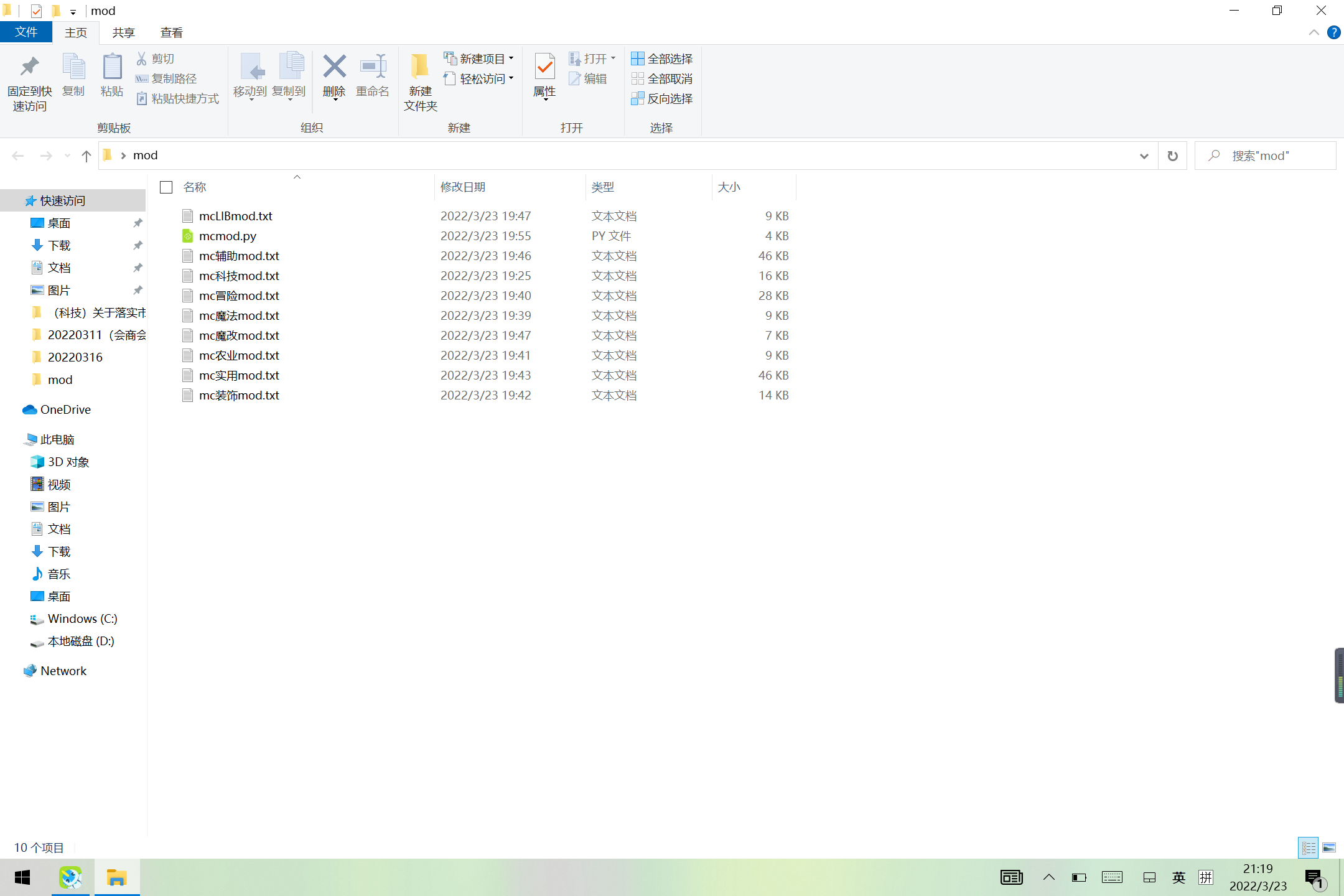
【作品展示】
【作品介绍】
查mc模组的,随手写的
【作品源代码】
import easygui
import turtle
import requests
import bs4
import webbrowser


g = ['科技', '魔法', '冒险', '农业', '装饰', '实用', '辅助', '魔改', 'LIB']
def end():

    z = easygui.choicebox('选择你要的模组', choices=g)
    if z == '科技':
        s = 1
    elif z == '魔法':
        s = 2
    elif z == '冒险':
        s = 3
    elif z == '农业':
        s = 4
    elif z == '装饰':
        s = 5
    elif z == '实用':
        s = 23
    elif z == '辅助':
        s = 24
    elif z == '魔改':
        s = 21
    else:
        s = 7
    response = requests.get('https://www.mcmod.cn/class/category/'+str(s)+'-1.html')
    a =bs4.BeautifulSoup(response.text, "html.parser")
    targets = a.find_all("a", class_="Pbtn")
    b = list(targets)
    v = ''
    x = b[(len(b) - 1)]
    y = str(x)
    for i in y:
        if str(i) in '123456789':
            v = v+i
    if len(v) == 3:
        c = v[1]喵[2]
    else:
        c = v[2]喵[3]
    f = open('mc'+z+'mod.txt', 'w')
    f.write('')
    f.close()
    f = open('mc'+z+'mod.txt', 'a', errors='ignore')
    f.write('')
    for i in range(1, int(c)+1):
        response = requests.get((('https://www.mcmod.cn/class/category/'+str(s)+'-' + str(i)) + '.html'))
        soup = bs4.BeautifulSoup(response.text,"html.parser")
        targets = soup.find_all("div",class_ = "name t")
        a = list(targets)
        for i in a:
            for x in i:
                zz = str(x)
                m = ''
                for b in zz:
                    if b == 't':
                        break
                    if b in '0123456789':
                        m = m+b

                for v in x:
                    f.write(v + '|'+m+'\n')
    print("完成")
    f.close()

def seach(a,b):
    v = 0
    c = []
    if a =='all':
        for i in range(9):
            z = open('mc'+str(g[i])+'mod.txt', 'r')
            for m in z:
                if str(b) in str(m):
                    c.append(m)
                    v += 1
        if v == 0:
            print('no '+b+' in mod')
        else:
            z = easygui.choicebox('选择你要的模组', choices=c)
            mm = ''
            v = 0
            for i in z:
                if v == 1:
                    mm = mm+i
                if i == '|':
                    v = 1
            webbrowser.open('https://www.mcmod.cn/class/'+str(mm) +'.html', new=0, autoraise=True)
    else:
        z = open('mc'+a+'mod.txt','r')
        for i in z:
            if str(b) in str(i):
                c.append(i)
                v += 1
        if v == 0:
            print('no '+b+' in '+a+' mod')
        else:
            z = easygui.choicebox('选择你要的模组', choices=c)
            mm = ''
            v = 0
            for i in z:
                if v == 1:
                    mm = mm+i
                if i == '|':
                    v = 1
            webbrowser.open('https://www.mcmod.cn/class/' +str(mm) + '.html', new=0, autoraise=True)


g.append('all')
while True:
    if not 'all'in g:
        g.append('all')
    a = easygui.buttonbox(msg='你需要什么',choices=('刷新','搜索','exit'))
    if a =='刷新':
        del g[len(g)-1]
        end()
    elif a == 'exit':
        break
    else:
        x = []
        b = ['分区', '名字']
        msg = '搜索条件'
        title = '搜索'
        print('可用分区:')
        print(g)
        x = easygui.multenterbox(msg,title, b)

        if x[0] == ''or x[1] ==''or not x[0] in g :
            print('error')
        else:
            seach(x[0],x[1])
【提示】
部分含有Python第三方库相关内容的作品,在海龟编辑器网页端无法运行哦!如遇到这种情况,可以打开下面的链接,下载海龟编辑器客户端:
https://python.codemao.cn lsk666666
能直接解析出来courseforge的链接更好 imgsrc="https://static.codemao.cn/emoji/codemao/%E7%BC%96%E7%A8%8B%E7%8C%AB_%E7%82%B9%E8%B5%9E.gif"alt="emotion_编程猫_点赞"
点赞0
评论