 Teikumo#11.24军事社募集查看:102 回复:0 评论:0 创建时间:2021-12-10T12:06:39
用户:
【作品展示】
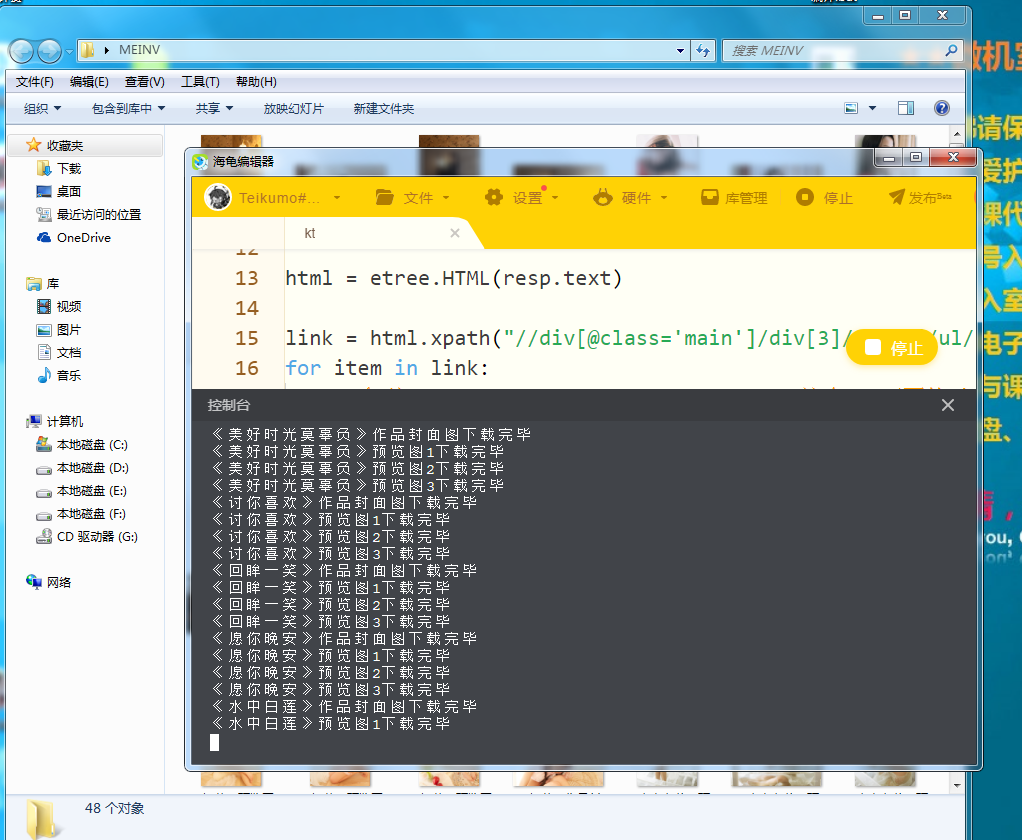
【作品介绍】
网站图片爬虫能够爬取网页上的图片下载到桌面的文件夹
这样就可以方便的保存自己喜欢的图片了
不过图片一定要规范使用,不能用来做侵权的事
【作品源代码】
import os

import requests
from lxml import etree
import urllib

url = "https://www.yalayi.com/"

resp = requests.get(url)
# 会乱码 设置一下编码
resp.encoding = "utf-8"

html = etree.H喵L(resp.text)

link = html.xpath("//div[@class='main']/div[3]/div[1]/ul/li/div/a/@href")
for item in link:
    # 拿到 url = "https://www.yalayi.com/" 这个url下面的子url =》 get pictures
    resp = requests.get(item)
    resp.encoding = "utf-8"
    # 再次进入xpath
    sub_page = etree.H喵L(resp.text)
    # print(resp.text)
    # get download links
    download_link = sub_page.xpath("//img[@class='lazy']/@data-original")
    # make dir
    if not os.path.exists("C:/Users/Administrator/Desktop/MEINV"):
        os.mkdir("C:/Users/Administrator/Desktop/MEINV")
    # name count
    i = 0
    name = sub_page.xpath("//img[@class='lazy']/@alt")
    for download in download_link:
        urllib.request.urlretrieve(download, "C:/Users/Administrator/Desktop/MEINV/{}.jpg".format(name[i]))
        print("%s下载完毕" % name[i])
        i += 1
    # break
【提示】
部分含有Python第三方库相关内容的作品,在海龟编辑器网页端无法运行哦!如遇到这种情况,可以打开下面的链接,下载海龟编辑器客户端:
https://python.codemao.cn