 Fyx工作室(原好奇心孩子)查看:116 回复:4 评论:12 创建时间:2021-06-23T12:58:34
用户:Fyx工作室(原好奇心孩子)查看:116 回复:4 评论:12 创建时间:2021-06-23T12:58:34
【作品展示】
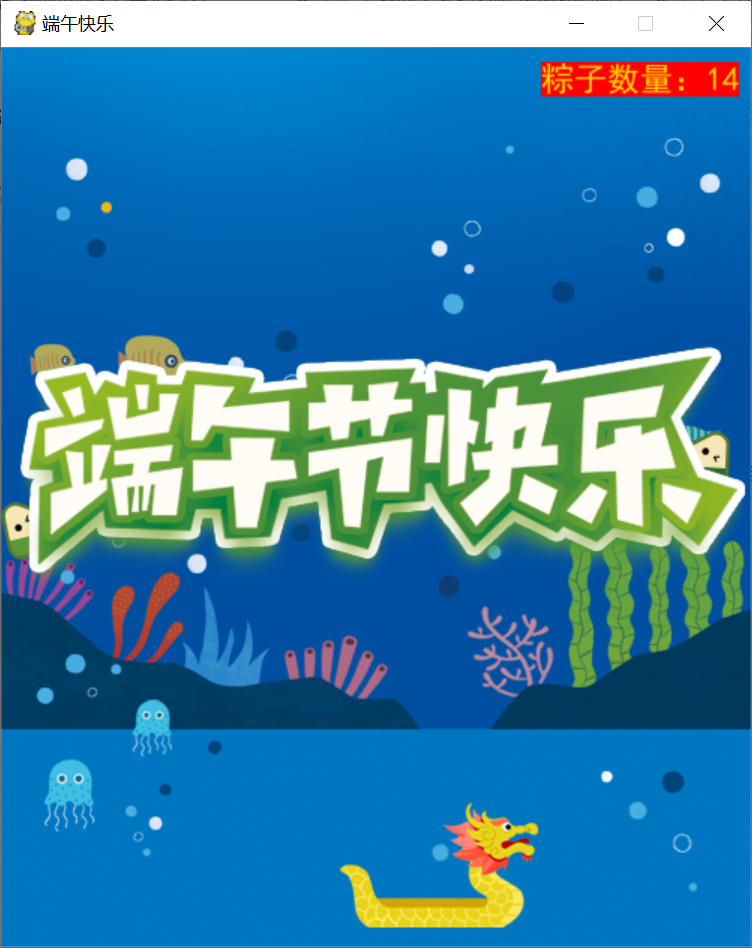
【作品介绍】
【用电脑玩】按方向键可操控龙舟,接住随机掉下来的粽子,集满14个粽子,游戏就会结束。注:作者后续会做出kitten版,可用手机玩。
有任何问题可在作者的“服务区”作品的评论区告诉作者,作者会在有空的时间答疑解惑的!
作者:༺好奇心ོღ孩子༻
训练师编号:9011734
【作品源代码】
import pygame
import random
import time

pygame.init()
screen = pygame.display.set_mode((500,600))
pygame.display.set_caption("端午快乐")

#加载图片
background = "sea.png"
background_image = pygame.image.load(background)
player = "dragonboat.png"
player_image = pygame.image.load(player)
player_x = 200
player_y = 500
zz = "zongzi.png"
zz_image = pygame.image.load(zz)
zz_x = 0
zz_y = -100
happy = "happy.png"
happy_image = pygame.image.load(happy)
player_move = 0
score = 0
font = pygame.font.SysFont("SimHei",22)

keep_going = True
while keep_going:

    for event in pygame.event.get():
        if event.type == pygame.QUIT:
            keep_going = False

        if event.type == pygame.KEYDOWN:
            if event.key == pygame.K_LEFT:
                player_move = -4
            if event.key == pygame.K_RIGHT:
                player_move = 4
    player_x += player_move
    zz_y += 2

    if player_x < 0:
        player_x = 0
    if player_x > 500-player_image.get_width():
        player_x = 500-player_image.get_width()

    if zz_y > player_y:
        if(zz_x+zz_image.get_width() > player_x) and (zz_x < player_x + player_image.get_width()):
            zz_x = random.randint(0,350)
            zz_y = -100
            score += 1

    if zz_y > 600:
        zz_x = random.randint(0, 350)
        zz_y = -100

    #显示图片
    screen.blit(background_image, (0,0))
    screen.blit(player_image, (player_x,player_y))
    screen.blit(zz_image, (zz_x,zz_y))
    text = font.render("粽子数量:"+str(score), True, (255, 215, 0),(255,0,0))
    screen.blit(text,(360,10))
    if score == 14:
        screen.blit(happy_image, (0, 200))
        keep_going = False
    pygame.display.update()
time.sleep(3)
pygame.quit()
【提示】
部分含有Python第三方库相关内容的作品,在海龟编辑器网页端无法运行哦!如遇到这种情况,可以打开下面的链接,下载海龟编辑器客户端:
https://python.codemao.cn BLUEGEUST
11行有错误
点赞0
评论
应该是他没提供资源,程序找不到
https://shequ.codemao.cn/work/105877702
如果这个有问题,可以去玩Kitten版哦!
链接在呢
Fyx工作室(原好奇心孩子)sorry,我不会Python,但我会图形化,可以去玩Kitten版哦!
作品链接:编程猫社区-端午快乐-kitten版-少儿编程作品 (codemao.cn)
敬请谅解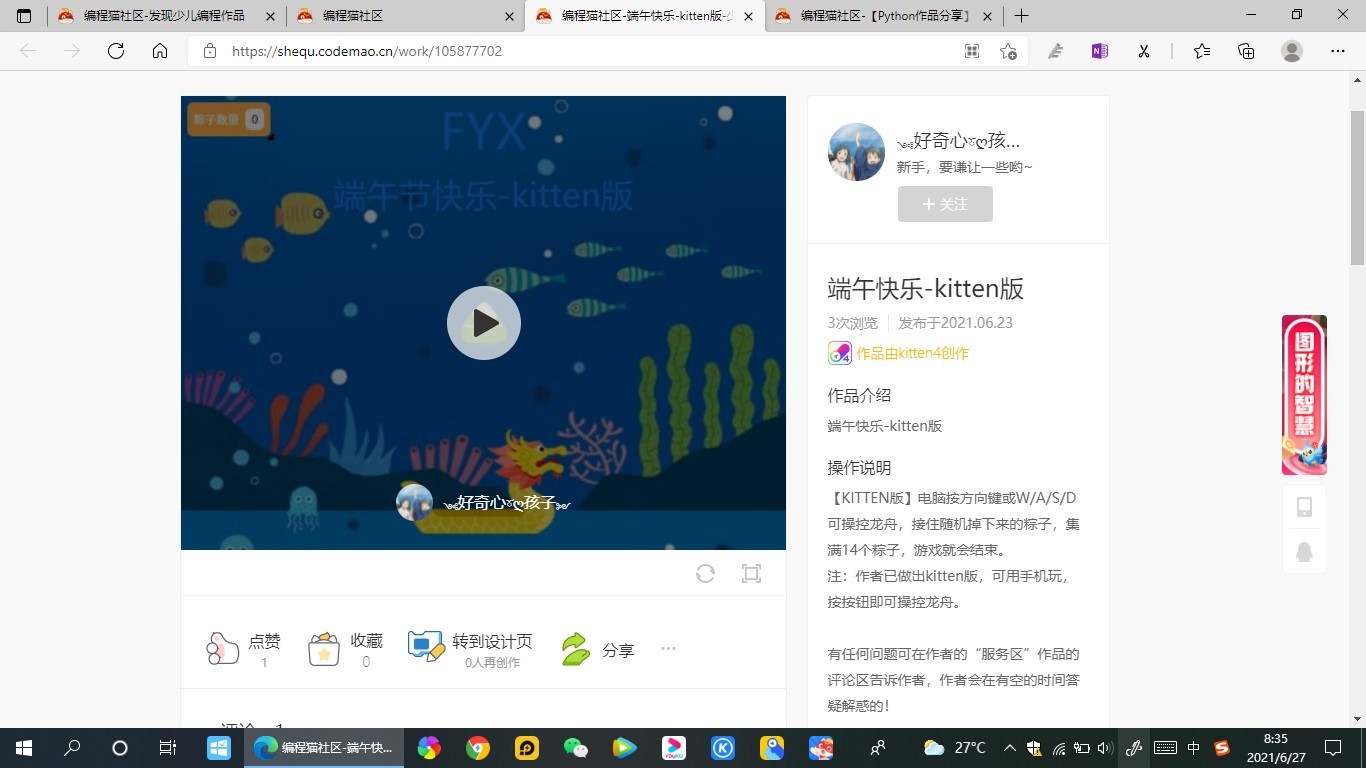
点赞0
评论
我怕你是链接都不懂是什么
图片上有呢,我怕你是细心都不懂是什么
它只能发成这样
https://shequ.codemao.cn/work/105877702
链接在呢
你这文字上的链接惊艳我了
链接有bug,发不出来