 请设置名称_查看:31 回复:1 评论:0 创建时间:2021-05-07T19:48:16
用户:请设置名称_查看:31 回复:1 评论:0 创建时间:2021-05-07T19:48:16
【作品展示】
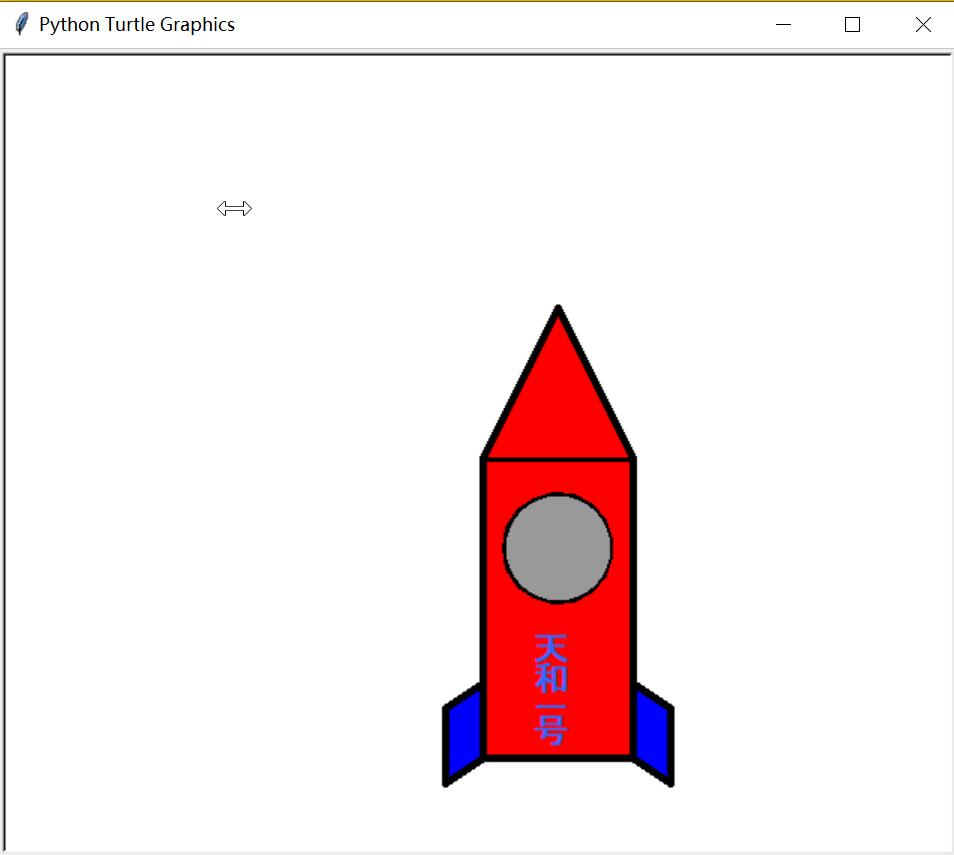
【作品介绍】
【作品源代码】
import turtle
_t_ = turtle.Pen()
_t_.fillcolor('red')
_t_.pencolor('black')
_t_.pensize(5)
_t_.speed(0)
def cfx(x, y):
    _t_.begin_fill()
    _t_.forward(x)
    _t_.right(90)
    _t_.forward(y)
    _t_.right(90)
    _t_.forward(x)
    _t_.right(90)
    _t_.forward(y)
    _t_.end_fill()
def sjx(x, y):
    _t_.begin_fill()
    _t_.goto(x, y)
    _t_.goto((2 * x), 0)
    _t_.end_fill()
def pxsbx(x, y, z):
    _t_.penup()
    _t_.goto(x, y)
    _t_.left(z)
    _t_.pendown()
    for p in range(2):
        _t_.begin_fill()
        _t_.forward(30)
        _t_.left((180 - z))
        _t_.forward(50)
        _t_.left(z)
        _t_.end_fill()
    _t_.penup()
    _t_.goto(100, (-150))
    _t_.pendown()
    _t_.setheading((90 - z))
    for p in range(2):
        _t_.begin_fill()
        _t_.forward(30)
        _t_.right((180 - z))
        _t_.forward(50)
        _t_.right(z)
        _t_.end_fill()
cfx(100, 200)
sjx(50, 100)
_t_.fillcolor('blue')
pxsbx(0, (-150), 125)
_t_.penup()
_t_.goto(15, (-60))
_t_.pendown()
_t_.setheading((-90))
_t_.circle(35)
_t_.penup()
_t_.goto(50, (-60))
_t_.pendown()
_t_.pencolor("#999999")
_t_.dot(70)
_t_.penup()
_t_.goto(35, (-140))
_t_.pencolor("#3366ff")
_t_.write('天', font = ('Arial', 17, 'bold'))
_t_.goto(35, (-160))
_t_.write('和', font = ('Arial', 17, 'bold'))
_t_.goto(35, (-180))
_t_.write('一', font = ('Arial', 17, 'bold'))
_t_.goto(35, (-195))
_t_.write('号', font = ('Arial', 17, 'bold'))
_t_.goto(999,999)
turtle.done()
【提示】
部分含有Python第三方库相关内容的作品,在海龟编辑器网页端无法运行哦!如遇到这种情况,可以打开下面的链接,下载海龟编辑器客户端: