 嘤嘤怪哟查看:20 回复:1 评论:0 创建时间:2021-05-05T22:54:20
用户:
【作品展示】
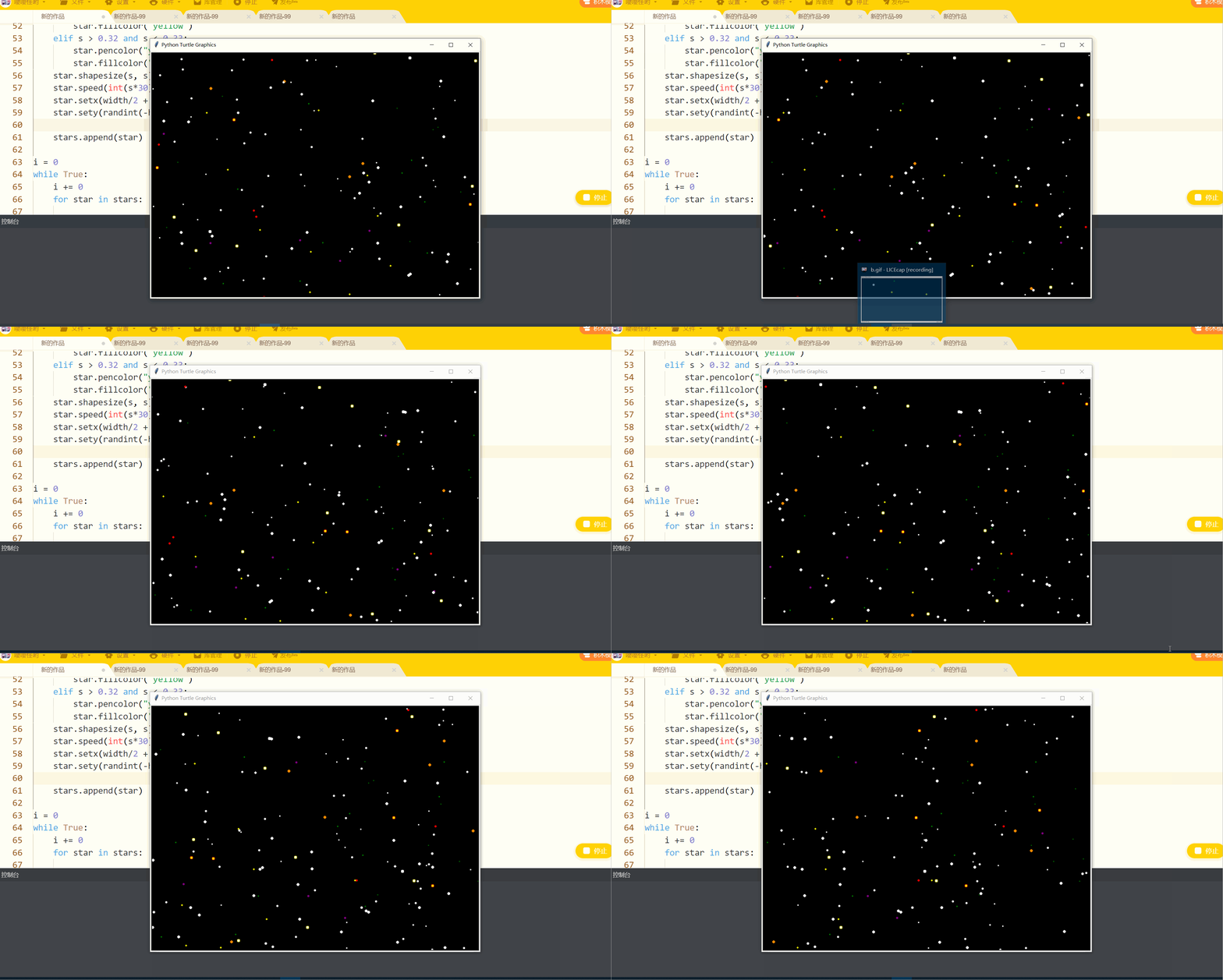
【作品介绍】
通过海龟库和随机库,在for和while循环的基础上,通过秒数的变化使之营造一种星空的观感,富有流动的喵,即使错过了余霞,但我们还有星辰大海,祝祖国的航空事业越来越好!
【作品源代码】
from turtle import *
from random import random, randint

screen = Screen()
width, height = 800, 600
screen.setup(width, height)
screen.bgcolor("black")
screen.mode("logo")
screen.delay(0)

printer = Turtle()
printer.hideturtle()
printer.penup()
printer.color('white')
printer.goto(-100, -150)

t = Turtle(visible=False, shape='circle')
t.pencolor("white")  # 设置画笔的颜色
t.fillcolor("white")  # 设置图形填充颜色
t.penup()  # 抬起画笔
t.setheading(-90)  # 设置当前朝向角度
t.goto(width/2, randint(-height/2, height/2))  # 把画笔移动到定点


stars = []
for i in range(300):
    star = t.clone()
    s = random()/3
    if s > 0.01 and s < 0.03:
        star.pencolor("black")
        star.fillcolor("black")
    elif s > 0.03 and s < 0.04:
        star.pencolor("lightcoral")
        star.fillcolor("lightcoral")
    elif s > 0.05 and s < 0.1:
        star.pencolor("green")
        star.fillcolor("green")
    elif s > 0.15 and s < 0.16:
        star.pencolor("yellow")
        star.fillcolor("yellow")
    elif s > 0.19 and s < 0.2:
        star.pencolor("red")
        star.fillcolor("red")
    elif s > 0.21 and s < 0.22:
        star.pencolor("purple")
        star.fillcolor("purple")
    elif s > 0.29 and s < 0.3:
        star.pencolor("darkorange")
        star.fillcolor("darkorange")
    elif s > 0.31 and s < 0.32:
        star.pencolor("red")
        star.fillcolor("yellow")
    elif s > 0.32 and s < 0.33:
        star.pencolor("yellow")
        star.fillcolor("white")
    star.shapesize(s, s)
    star.speed(int(s*30))  # 设置画笔移动速度,画笔绘制的速度范围[0,10]整数,数字越大越快
    star.setx(width/2 + randint(1, width))  # 将当前x轴移动到指定位置
    star.sety(randint(-height/2, height/2))  # 将当前y轴移动到指定位置

    stars.append(star)

i = 0
while True:
    i += 0
    for star in stars:

        star.setx(star.xcor() - 3 * star.speed())
        if star.xcor() < -width/2:
            star.hideturtle()
            star.setx(width/2 + randint(1, width))
            star.sety(randint(-height/2, height/2))
            star.showturtle()
    if i >= 100:
        break
【提示】
部分含有Python第三方库相关内容的作品,在海龟编辑器网页端无法运行哦!如遇到这种情况,可以打开下面的链接,下载海龟编辑器客户端:
https://python.codemao.cn