 编程的ink查看:119 回复:1 评论:0 创建时间:2021-05-01T10:37:53
用户:
【作品展示】
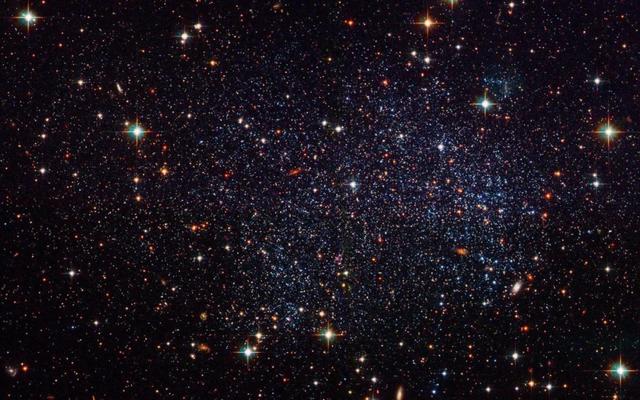
【作品介绍】
有着3D效果的星空(图片仅供参考
【作品源代码】
from turtle import *
from random import random,randint
screen = Screen()
width ,height = 800,600
screen.setup(width,height)
screen.title("模拟星空")
screen.bgcolor("black")
screen.mode("logo")
screen.delay(0)
t = Turtle(visible = False,shape='circle')
t.pencolor("white")
t.fillcolor("white")
t.penup()
t.setheading(-90)
t.goto(width/2,randint(-height/2,height/2))
stars = []
for i in range(200):
    star = t.clone()
    s =random() /3
    star.shapesize(s,s)
    star.speed(int(s*10))
    star.setx(width/2 + randint(1,width))
    star.sety( randint(-height/2,height/2))
    star.showturtle()
    stars.append(star)
while True:
    for star in stars:
        star.setx(star.xcor() - 3 * star.speed())
    if star.xcor()<-width/2:
        star.hideturtle()
        star.setx(width/2 + randint(1,width))
        star.sety( randint(-height/2,height/2))
        star.showturtle()
【提示】
部分含有Python第三方库相关内容的作品,在海龟编辑器网页端无法运行哦!如遇到这种情况,可以打开下面的链接,下载海龟编辑器客户端:
https://python.codemao.cn编程的ink更新一下:
from turtle import * from random import random, randint screen = Screen() width, height = 800, 600 screen.setup(width, height) screen.title("模拟星空") screen.bgcolor("black") screen.mode("logo") screen.delay(0) t = Turtle(visible=False, shape='circle') t.pencolor("yellow") t.fillcolor("yellow") t.penup() t.setheading(-90) t.goto(width/2, randint(-height/2, height/2)) stars = [] for i in range(200): star = t.clone() s = random() / 3 star.shapesize(s, s) star.speed(int(s*10)) star.setx(width/2 + randint(1, width)) star.sety(randint(-height/2, height/2)) star.showturtle() stars.append(star) while True: for star in stars: star.setx(star.xcor() - 3 * star.speed()) if star.xcor() < -width/2: star.hideturtle() star.setx(width/2 + randint(1, width)) star.sety(randint(-height/2, height/2)) star.showturtle()点赞0
评论