用户:格拉默老兵烧烤查看:175 回复:0 评论:0 创建时间:2021-04-14T21:53:26
【作品展示】
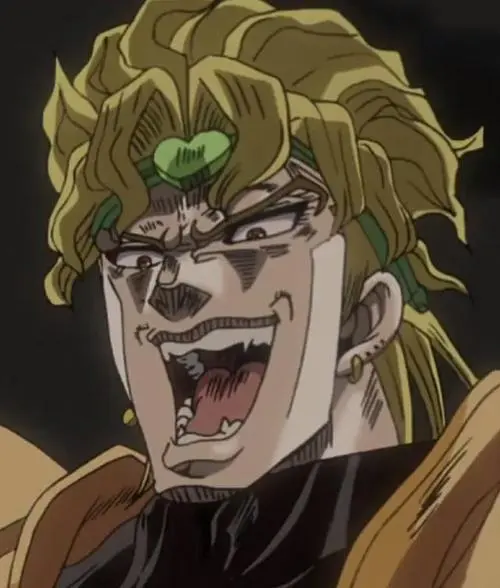
【作品介绍】
ghhh
【作品源代码】
from PIL import Image
import matplotlib.pyplot as plt
import collections

pic = Image.open("JOJO.png").convert("RGB")
width, hight = pic.size
block = 5


board = Image.new("RGB", (width//10*10, hight//10*10))
for y in range(0, hight, block):
    for x in range(0, width, block):
        temp = pic.crop((x, y, x+block, y+block))
        temp_list = list(temp.getdata())
        max_color = collections.Counter(temp_list).most_common()[0][0]
        temp_past = Image.new("RGB", temp.size, max_color)
        board.paste(temp_past, (x, y))
        # pit.imshow(board)
        # plt.pause(0.01)
board.show()
【提示】
部分含有Python第三方库相关内容的作品,在海龟编辑器网页端无法运行哦!如遇到这种情况,可以打开下面的链接,下载海龟编辑器客户端:
https://python.codemao.cn