 神岛吉吉喵查看:5649 回复:64 评论:39 创建时间:2021-03-15T22:13:21
用户:神岛吉吉喵查看:5649 回复:64 评论:39 创建时间:2021-03-15T22:13:21
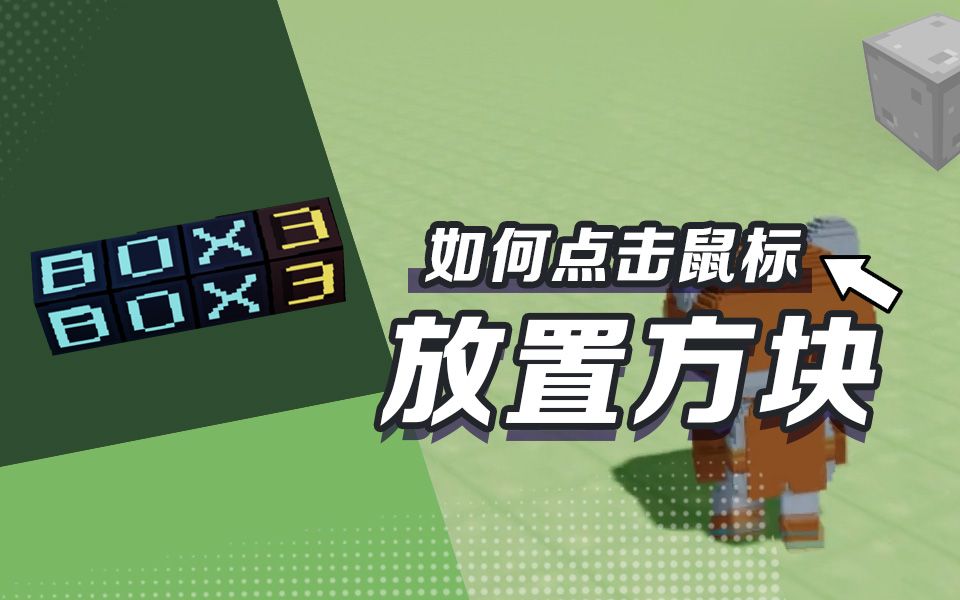
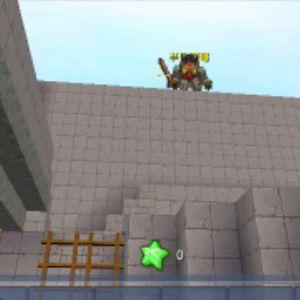
听闻很多小伙伴想要学会岛3的创造代码
通过点击鼠标实现建造方块或者摧毁方块
开启更多新玩法!
吉吉喵马不停蹄地给大家安排上咯:
https://www.bilibili.com/video/BV1JK4y1U7pG
1.点击鼠标摧毁方块
world.onPlayerJoin(({ entity }) => {
    entity.player.enable3DCursor = true // 开启方块光标
})

world.onPress(({ raycast, button }) => {
    if (button === Box3ButtonType.ACTION0) {
        const pos = raycast.voxelIndex // 射线指到的方块位置
        voxels.setVoxel(pos.x, pos.y, pos.z, '')
    }
})
2.点击鼠标建造方块
world.onPlayerJoin(({ entity }) => {
    entity.player.enable3DCursor = true // 开启方块光标
})

world.onPress(({ raycast, button }) => {
    if (button === Box3ButtonType.ACTION0) {
        const pos = raycast.voxelIndex.add(raycast.normal) // 射线指到的方块位置加上被选中的面的法线向量
        voxels.setVoxel(pos.x, pos.y, pos.z, 'stone')
    }
})
3.点击鼠标切换方块
const voxelList = ['stone', 'dirt', 'grass', 'lava01'] // 可选方块

world.onPlayerJoin(({ entity }) => {
    entity.selected = 0 // 当前选定方块的序号
    entity.player.enable3DCursor = true // 开启方块光标
})

world.onPress(({ entity, raycast, button }) => {
    if (button === Box3ButtonType.ACTION0) {
        const vox = voxelList[entity.selected]
        const pos = raycast.voxelIndex.add(raycast.normal) // 射线指到的方块位置加上被选中的面的法线向量
        voxels.setVoxel(pos.x, pos.y, pos.z, vox)
    }
    else if (button === Box3ButtonType.ACTION1) {
        entity.selected = (entity.selected + 1) % voxelList.length
        const vox = voxelList[entity.selected]
        entity.player.directMessage(`当前选定"${vox}"`)
    }
})
4.调出菜单选取方块
world.onPlayerJoin(({ entity }) => {
    entity.player.enable3DCursor = true // 开启方块光标
    entity.selected = 'stone' // 玩家当前选定dirt方块
})

world.onPress(async ({ entity, raycast, button }) => {
    if (button === Box3ButtonType.ACTION0) {
        const pos = raycast.voxelIndex.add(raycast.normal) // 射线指到的方块位置加上被选中的面的法线向量
        voxels.setVoxel(pos.x, pos.y, pos.z, entity.selected)
    }
    else if (button === Box3ButtonType.ACTION1) {
        const selection = await entity.player.dialog({
            type: Box3DialogType.SELECT,
            content: '选择方块类型',
            options: ['stone','dirt','grass','lava01','snow'],
        })
        if (selection) {
            entity.selected = selection.value // 更新玩家当前选定方块
        }
    }
})
学会并灵活运用这四招
就能很轻松地做出类似《起床战争》的游戏啦
快去试试吧~

开发API文档:https://docs.box3.codemao.cn/
加入代码岛3.0官方内测Q喵
下面的二维码会扫出来什么呢?( =•ω•= )m

 迷失冷光
迷失冷光怎么不做背包
点赞0
评论
背包?
你懂不懂实体跟随的代码,就是不灵岛的一个透明实体跟随那种
?显示对话名?
不是那个意思,是让一个实体跟随玩家
对了神兽要一起研究速建么
行啊
我发链接
https://box3.codemao.cn/e/dc6f7159c51d94970da5
在吗
 卫道士32_32*2没了
呵呵
var y, x, z; for (y = 0; y <= 8; y++) { for (x = 1; x < 32; x++) { for (z = 1; z < 32; z++) { if (y > 0 && y < 8) { voxels.setVoxel(x,y,z,(voxels.id("air"))); } } } }
点赞0
评论
“绘图”代码