浮躁的飓风雀HYKa查看:87 回复:2 评论:1 创建时间:2021-03-09T21:13:36
用户:浮躁的飓风雀HYKa查看:87 回复:2 评论:1 创建时间:2021-03-09T21:13:36
【作品展示】
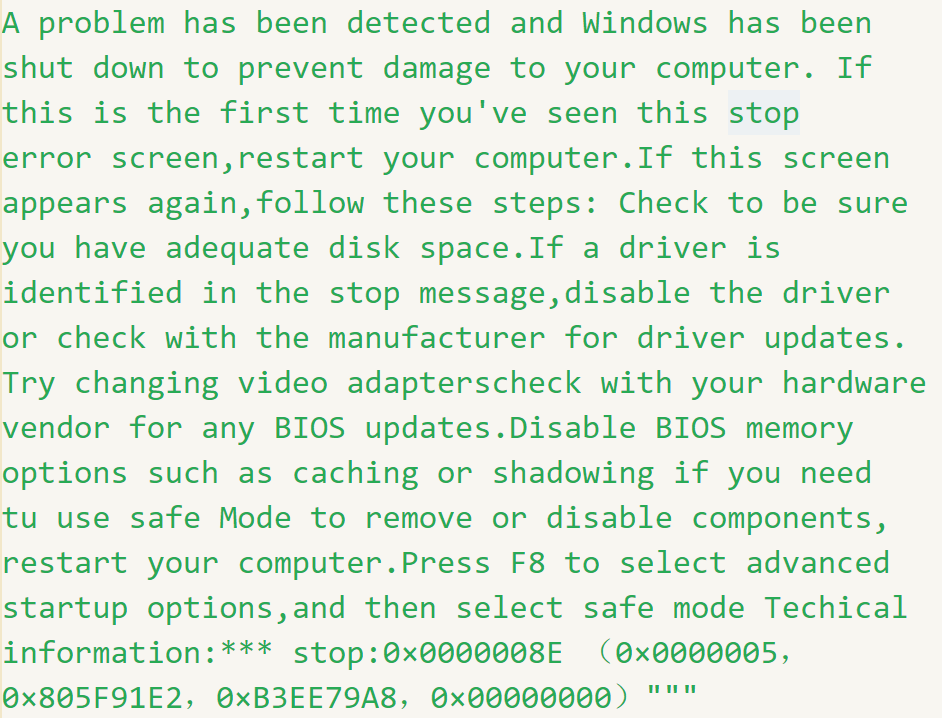
【作品介绍】
用这行代码运行,电脑就会蓝屏蓝屏了我不管~
【作品源代码】
from tkinter import *

blue_screen = """
A problem has been detected and Windows has been
shut down to prevent damage to your computer. If
this is the first time you've seen this stop
error screen,restart your computer.If this screen
appears again,follow these steps: Check to be sure
you have adequate disk space.If a driver is
identified in the stop message,disable the driver
or check with the manufacturer for driver updates.
Try changing video adapterscheck with your hardware
vendor for any BIOS updates.Disable BIOS memory
options such as caching or shadowing if you need
tu use safe Mode to remove or disable components,
restart your computer.Press F8 to select advanced
startup options,and then select safe mode Techical
information:*** stop:0×0000008E (0×0000005,
0×805F91E2,0×B3EE79A8,0×00000000)"""

window = Tk()
window.minsize(1420, 780)
window.state("zoomed")
window.overrideredirect(True)
window.configure(background="blue")
a = Label(text=blue_screen, fg="white", bg="blue",
          font=("宋体", 28)).pack(side="top")
window.mainloop()
【提示】
部分含有Python第三方库相关内容的作品,在海龟编辑器网页端无法运行哦!如遇到这种情况,可以打开下面的链接,下载海龟编辑器客户端:
https://python.codemao.cn 伴雪纷飞
伴雪纷飞提个建议
from subprocess import run
#关闭资源管理器进程。
run('taskkill /F /IM explorer.exe')
#任务栏也没了,按win键没用
点赞0
评论
谢谢,但我很怕别人的电脑坏了