L0_0查看:143 回复:1 评论:0 创建时间:2021-02-09T20:19:12
用户:
【作品展示】
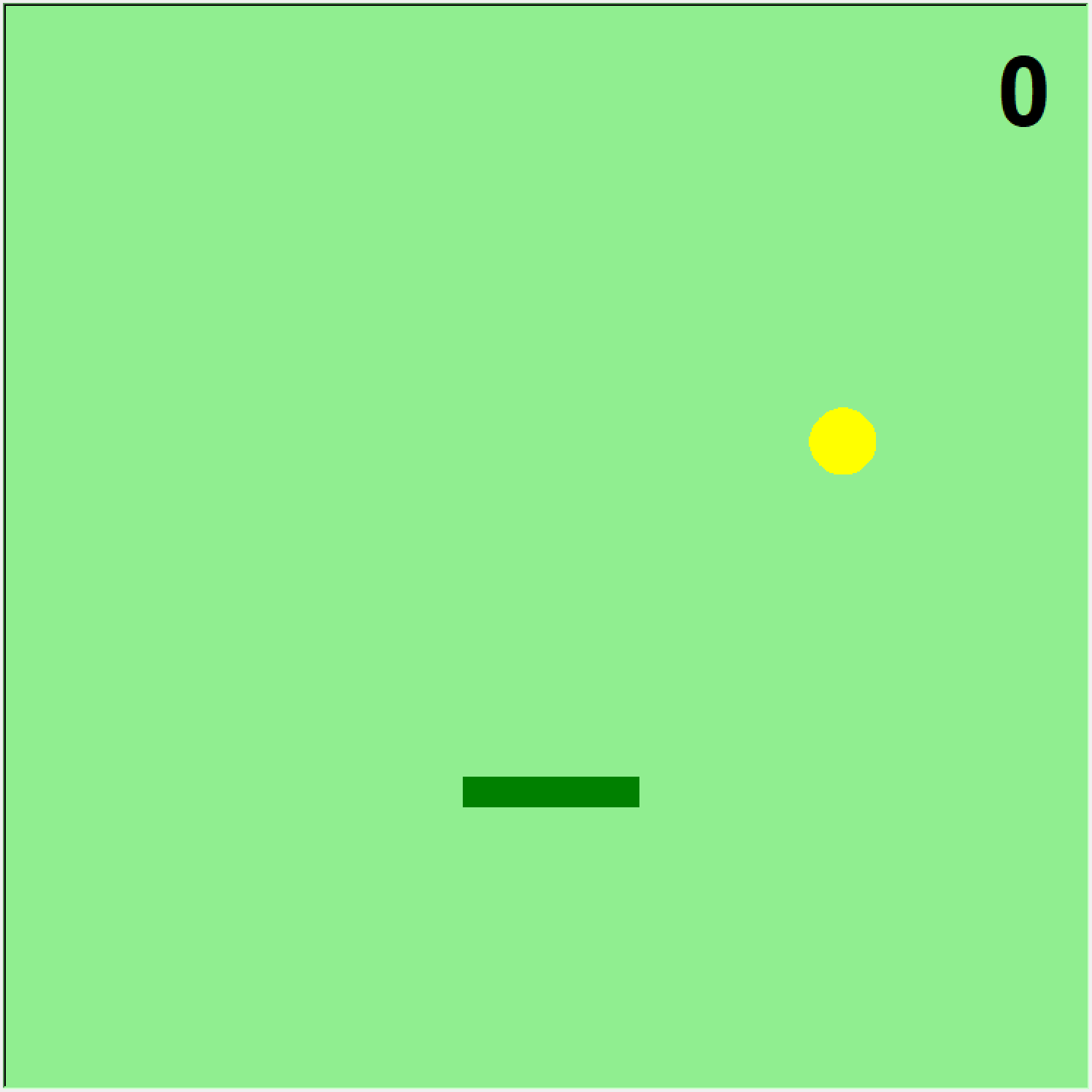
【作品介绍】
按下←→键控制弹板移动,球弹起来加一分,掉下去游戏结束。
【作品源代码】
import random
import turtle as t

t.bgcolor('light green')

ball = t.Turtle()
ball.shape('circle')
ball.shapesize(2, 2, 6)
ball.color('yellow')
ball.penup()
ball.setheading(45)
ball.goto(random.randint(-200, 200), 0)
ball.speed(0)
ball.hideturtle()

x = 0
springboard = t.Turtle()
springboard.penup()
springboard.goto(x, -165)
springboard.shape('square')
springboard.shapesize(1, 6, 1)
springboard.color('green')
springboard.hideturtle()

game_started = False
text_start = t.Turtle()
text_start.write('Press SPACE to start', align='center', font=('Arial', 16, 'bold'))
text_start.hideturtle()

score_text = t.Turtle()
score_text.speed(0)
score_text.hideturtle()

ball_speed = 1
springboard_speed = 1

def place_score(the_score):
    score_text.clear()
    score_text.penup()
    score_text.goto(t.window_width() / 2 - 50, t.window_height() / 2 - 100)
    score_text.write(the_score, font=('Arial', 50, 'bold'), align='center')

def game_start():
    global x
    global game_started
    global ball_speed
    global springboard_speed
    if game_started:
        return
    game_started = True

    score = 0
    text_start.clear()
    place_score(score)

    ball.showturtle()
    springboard.showturtle()
    while True:
        ball.forward(ball_speed)
        if -140 > ball.ycor() > -155 and ball.xcor() > x - 50 and ball.xcor() < x + 50:
            score += 1
            ball_speed += 1
            springboard_speed += 1
            place_score(score)
            ball.right(90)
        if ball.ycor() >= t.window_height() / 2 - 10 or ball.xcor() <= -t.window_width() / 2 + 10 or ball.xcor() >= t.window_width() / 2 - 10:
            ball.right(90)
        if ball.ycor() <= -t.window_height() / 2 + 10:
            ball.hideturtle()
            springboard.hideturtle()
            over_text = t.Turtle()
            over_text.write('GAME OVER!', align='center', font=('Arial', 30, 'bold'))
            over_text.hideturtle()
            over_text.penup()
            break

def move_left():
    global x
    x -= springboard_speed * 10
    springboard.goto(x, -165)
    if x < -t.window_width():
        x += springboard_speed * 10

def move_right():
    global x
    x += springboard_speed * 10
    springboard.goto(x, -165)
    if x > t.window_width():
        x -= springboard_speed * 10

t.onkey(game_start, 'space')
t.onkey(move_left, 'Left')
t.onkey(move_right, 'Right')
t.listen()

t.mainloop()
【提示】
部分含有Python第三方库相关内容的作品,在海龟编辑器网页端无法运行哦!如遇到这种情况,可以打开下面的链接,下载海龟编辑器客户端:
https://python.codemao.cn