 福星查看:59 回复:0 评论:0 创建时间:2020-08-07T16:16:06
用户:
【作品展示】
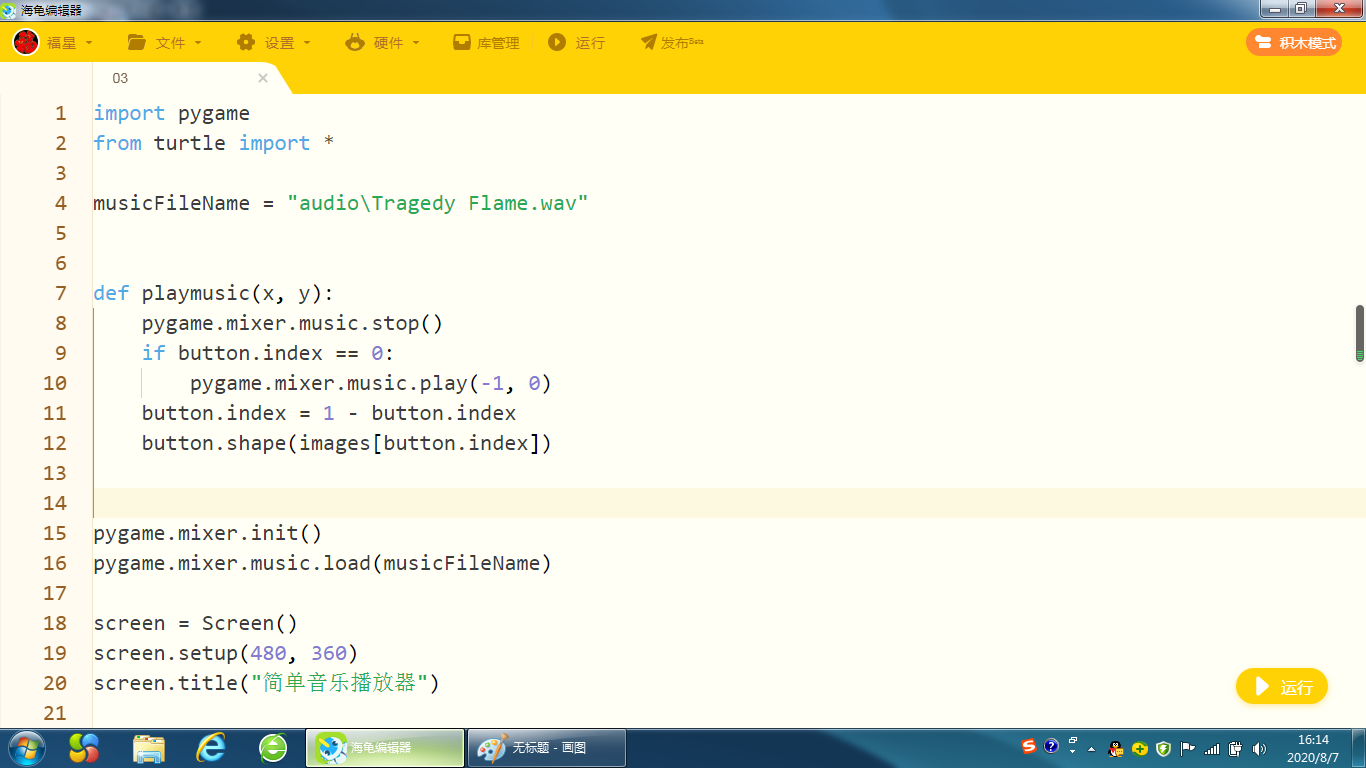
【作品介绍】
import pygamefrom turtle import *
musicFileName = "audio\Tragedy Flame.wav"
def playmusic(x, y):
pygame.mixer.music.stop()
if button.index == 0:
pygame.mixer.music.play(-1, 0)
button.index = 1 - button.index
button.shape(images[button.index])
pygame.mixer.init()
pygame.mixer.music.load(musicFileName)
screen = Screen()
screen.setup(480, 360)
screen.title("简单音乐播放器")
images = ["images\pbl.gif", "images\sbb.gif"]
screen.addshape(images[0])
screen.addshape(image
【作品源代码】
import pygame
from turtle import *

musicFileName = "audio\Tragedy Flame.wav"


def playmusic(x, y):
    pygame.mixer.music.stop()
    if button.index == 0:
        pygame.mixer.music.play(-1, 0)
    button.index = 1 - button.index
    button.shape(images[button.index])


pygame.mixer.init()
pygame.mixer.music.load(musicFileName)

screen = Screen()
screen.setup(480, 360)
screen.title("简单音乐播放器")

images = ["images\pbl.gif", "images\sbb.gif"]
screen.addshape(images[0])
screen.addshape(images[1])

button = Turtle(shape=images[0])
button.penup()
button.index = 0
button.onclick(playmusic)
screen.mainloop()
【提示】
部分含有Python第三方库相关内容的作品,在海龟编辑器网页端无法运行哦!如遇到这种情况,可以打开下面的链接,下载海龟编辑器客户端:
https://python.codemao.cn