 hi,林磊查看:0 回复:0 评论:0 创建时间:2020-07-03T11:01:04
用户:
【作品展示】
【作品介绍】
AAA
【作品源代码】
import pygame
pygame.init()#开始
screen = pygame.display.set_mode([800,600])#屏幕大小
pygame.display.set_caption('调色板1.0')#标题
radius = 15
mousedown = False
UnFinished = True

orange = 255,165,0
red = 255,0,0
yellow = 255,255,0
black = 0,0,0
blue = 0,0,255
green = 0,128,0
purple = 128,0,128
cyan = 0,255,255
white = 255,255,255
#颜色数值
screen.fill(white)#背景填充为白色

pygame.draw.rect(screen,orange,(0,0,50,50),0)
pygame.draw.rect(screen,red,(50,0,50,50),0)
pygame.draw.rect(screen,green,(100,0,50,50),0)
pygame.draw.rect(screen,yellow,(150,0,50,50),0)
pygame.draw.rect(screen,blue,(200,0,50,50),0)
pygame.draw.rect(screen,purple,(250,0,50,50),0)
pygame.draw.rect(screen,cyan,(300,0,50,50),0)
pygame.draw.rect(screen,black,(350,0,50,50),0)
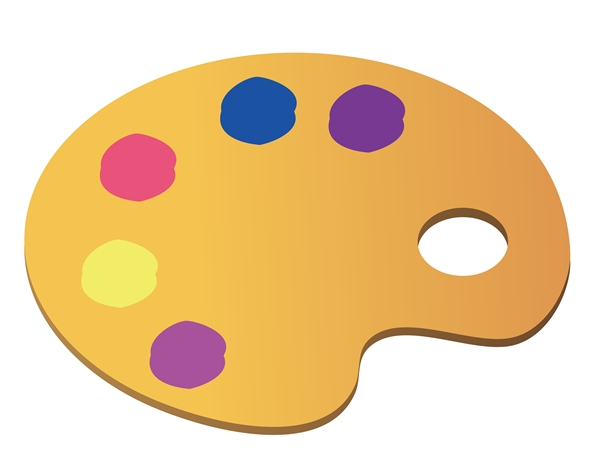
#调色板
color = black#画笔默认颜色
while UnFinished:
    for event in pygame.event.get():
        if event.type==pygame.QUIT:
            UnFinished = False
        elif event.type==pygame.MOUSEBUTTONDOWN:
            mousedown = True
        elif event.type==pygame.MOUSEBUTTONUP:
            mousedown = False
    if mousedown:
        spot = pygame.mouse.get_pos()
        if spot[0]<=50 and spot[1]<=50:
            color = orange
        elif spot[0]<=100 and spot[1]<=50:
            color = red
        elif spot[0]<=150 and spot[1]<=50:
            color = green
        elif spot[0]<=200 and spot[1]<=50:
            color = yellow
        elif spot[0]<=250 and spot[1]<=50:
            color = blue
        elif spot[0]<=300 and spot[1]<=50:
            color = purple
        elif spot[0]<=350 and spot[1]<=50:
            color = cyan
        elif spot[0]<=400 and spot[1]<=50:
            color = black
        if spot[1]>=75:
            pygame.draw.circle(screen,color,spot,radius)
    pygame.display.update()
pygame.quit()
【提示】
部分含有Python第三方库相关内容的作品,在海龟编辑器网页端无法运行哦!如遇到这种情况,可以打开下面的链接,下载海龟编辑器客户端:
https://python.codemao.cn