 风轻云淡sOMW查看:19 回复:0 评论:0 创建时间:2020-06-16T16:54:29
用户:风轻云淡sOMW查看:19 回复:0 评论:0 创建时间:2020-06-16T16:54:29
【作品展示】
【作品介绍】
【作品源代码】
import easygui
import turtle
import math
import time
import random

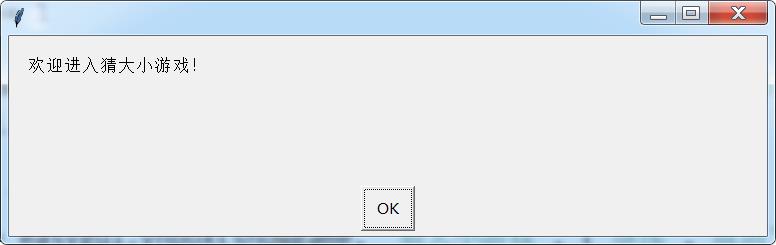
easygui.msgbox('欢迎进入猜大小游戏!')
username = turtle.textinput('猜大小游戏', '请输入用户名:')
money = 0
while (money <= 0):
	n = turtle.numinput('猜大小游戏', '金币不足,请充值(100块30币,必须是100的倍数)。')
	if (n % 100 == 0 and n > 0):
		money = (math.floor(n / 100) * 30)
showgame = '当前金币是:', money, ',玩一局游戏扣除2个币。'
easygui.msgbox(showgame, '猜大小游戏', '确定')
while (money > 0):
	easygui.msgbox('进入游戏中...', '猜大小游戏', '确定')
	time.sleep(random.uniform(0.5, 10))
	i1 = random.randint(1, 6)
	i2 = random.randint(1, 6)
	easygui.msgbox('系统洗牌完毕,请猜大小。', '猜大小游戏', '确定')
	guess = easygui.ynbox('选择大或者小:', '猜大小游戏', ('大', '小'))
	if (((i1 + i2) > 6) and guess == True) or (((i1 + i2) <= 6) and guess == False):
		showgame = '恭喜', username, '!本局游戏你赢了,奖励1个金币!'
		easygui.msgbox(showgame, '猜大小游戏','确定')
		money += 1
	else:
		showgame = '很遗憾', username, '!本局游戏你输了,奖励0个金币!'
		easygui.msgbox(showgame, '猜大小游戏', '确定')
	money -= 2
	showgame = '当前金币是:', money,'是否继续?'
	whilegame = easygui.ynbox(showgame, '猜大小游戏', ('继续','取消'))
	if whilegame == True:
		pass
	else:
		break
easygui.msgbox('游戏结束!', '猜大小游戏', '确定')
【提示】
部分含有Python第三方库相关内容的作品,在海龟编辑器网页端无法运行哦!如遇到这种情况,可以打开下面的链接,下载海龟编辑器客户端:
https://python.codemao.cn