 Python小伙lp查看:170 回复:3 评论:0 创建时间:2020-04-26T13:50:43
用户:
【作品展示】
【作品介绍】
最简单的人脸识别,2张人脸要放在一张图里~~
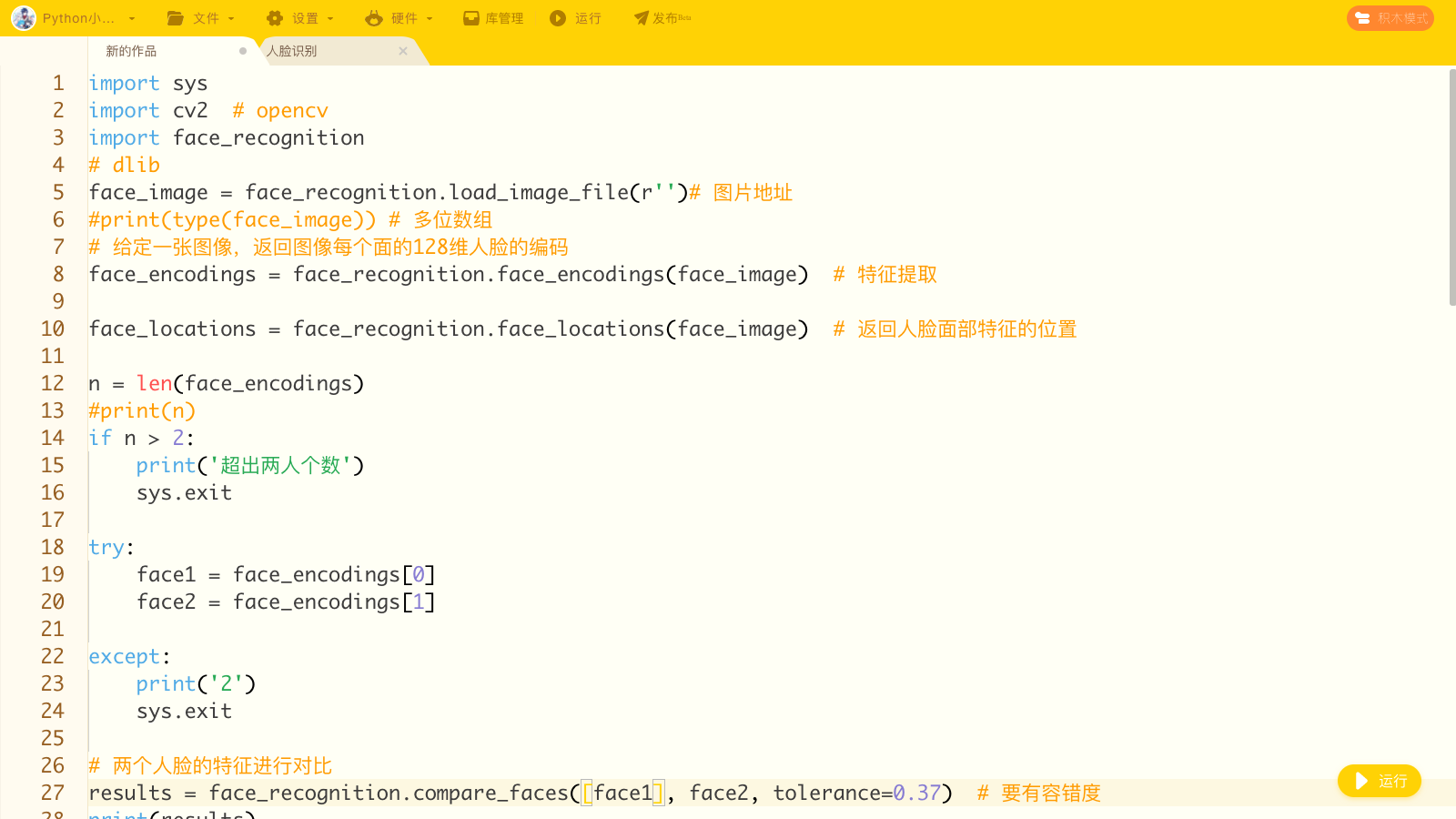
【作品源代码】
import sys
import cv2  # opencv
import face_recognition
# dlib
face_image = face_recognition.load_image_file(r'')# 图片地址
#print(type(face_image)) # 多位数组
# 给定一张图像,返回图像每个面的128维人脸的编码
face_encodings = face_recognition.face_encodings(face_image)  # 特征提取

face_locations = face_recognition.face_locations(face_image)  # 返回人脸面部特征的位置

n = len(face_encodings)
#print(n)
if n > 2:
    print('超出两人个数')
    sys.exit

try:
    face1 = face_encodings[0]
    face2 = face_encodings[1]

except:
    print('2')
    sys.exit

# 两个人脸的特征进行对喵are_faces([face1], face2, tolerance=0.37)  # 要有容错度
print(results)

# 框图
if results == [True]:
    print('1')
    name = 'YES'
else:
    print('0')
    name = 'NO'

# 绘图
for i in range(len(face_encodings)):
    face_encoding = face_encodings[(i-1)]
    print(face_encoding)
    face_location = face_locations[(i-1)]
    print(face_location)

    top, right, bottom, left = face_location

    # 画框
    cv2.rectangle(face_image, (left, top), (right, bottom), (0, 255, 0), 1)
    # 文字
    cv2.putText(face_image, name, (left-10, top-10),
                cv2.FONT_HERSHEY_SIMPLEX, 0.8, (255, 0, 0), 2)

# 颜色
face_image_rgb = cv2.cvtColor(face_image, cv2.COLOR_BGR2RGB)
# 展示图像
cv2.imshow('Output', face_image_rgb)
# 保存
cv2.imwrite()
# 关闭
cv2.waitKey(0)
【提示】
部分含有Python第三方库相关内容的作品,在海龟编辑器网页端无法运行哦!如遇到这种情况,可以打开下面的链接,下载海龟编辑器客户端:
https://python.codemao.cn