函数Chara查看:506 回复:3 评论:2 创建时间:2019-12-29T23:08:09
用户:
最近看到有人在教别人Pygame
自己心痒痒
就弄了这个
-------
首先,你得有Pygame基础。
这是一些帖子:
薯架
https://shequ.codemao.cn/community/178368
https://shequ.codemao.cn/community/177960
https://shequ.codemao.cn/community/177853
飞机大战
https://shequ.codemao.cn/community/177809
https://shequ.codemao.cn/community/177738
https://shequ.codemao.cn/community/177698
https://shequ.codemao.cn/community/177229
https://shequ.codemao.cn/community/177063
https://shequ.codemao.cn/community/176689
https://shequ.codemao.cn/community/17喵74
https://shequ.codemao.cn/community/17喵72
以上网址顺序是教程顺序集数从大到小排列
也就是说如果你想看part1的教程那么你应该用倒数第一个网址
=========
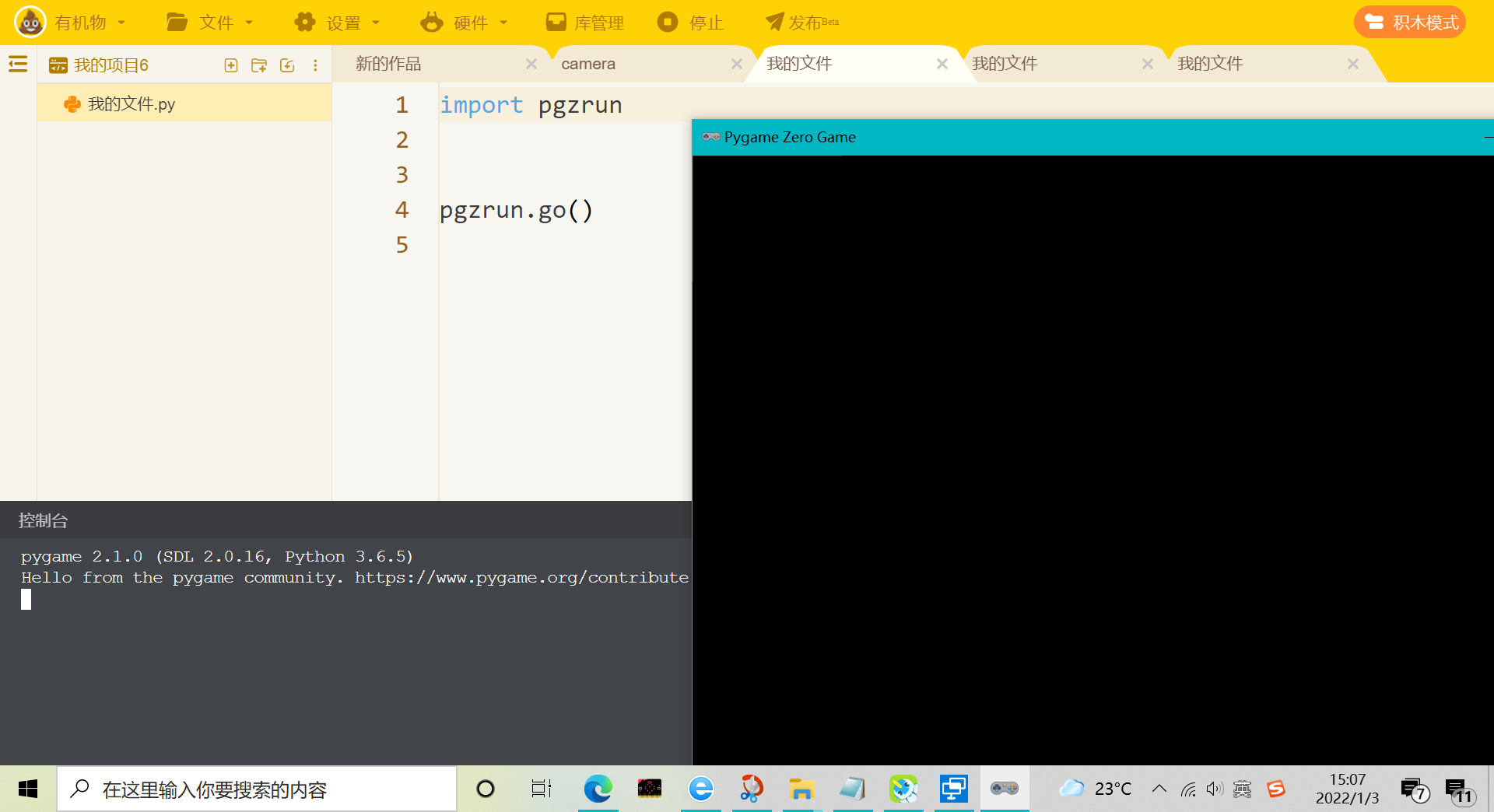
首先:
import pgzrun你可能会说:
不应该是
pgzero
吗?
其实,
pgzrun
是
pgzero
的
运行时环境
(这个你别管)
让我们继续扩充它:
import pgzrun
WIDTH = 300
HEIGHT = 300
pgzrun.go()
go()函数进行了主循环(while循环,Sorry了)
WHIDT和HEIGHT控制了屏幕大小。
 小杂七233
pygame创建屏幕方法:
# 导入库
import sys
import pygame

pygame.init()  # 初始化pygame
size = width, height = 320, 240         # 设置窗口
screen = pygame.display.set_mode(size)  # 显示窗口

# 执行喵循环,确保窗口一直显示
while True:
    # 检查事件
    for event in pygame.event.get():    # 遍历所有事件
        if event.type == pygame.QUIT:   # 如果单击关闭窗口,则退出
            sys.exit()

pygame.quit() # 退出pygame
pygame zero创建屏幕方法:
import pgzrun
WIDTH = 300
HEIGHT = 300
pgzrun.go()
看到了没,这就是差别。
点赞2
评论
【赞】