呆萌回首查看:271 回复:24 评论:15 创建时间:2019-10-23T22:23:02
用户:
嗨,这里呆萌姐
今天讲一讲遮挡型封面
其实不用PS
用WPS就阔以
第一步 底图·抠图
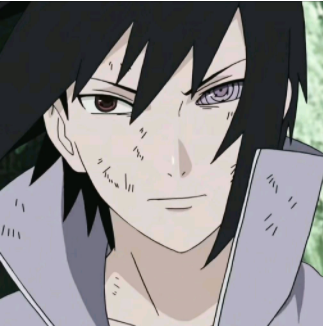
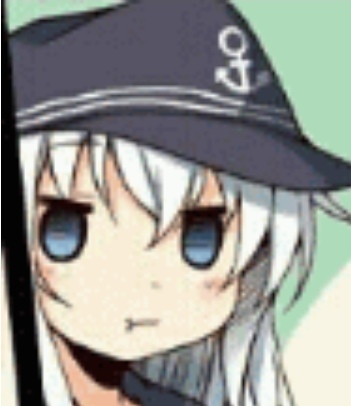
呆萌选的底图:
(不用很细致,扣好自己想要的部分就行)
(用智能抠除背景,点击图片调整抠图程度即可)
第二步 艺术字
便会自动转化成透明背景的艺术字
(WPS)
接着,先插入底图
然后将艺术字调整到合适的位置
第三步 完成
再插入刚才抠的图片

简直太简单!
字体:
https://shequ.codemao.cn/community/173365
https://shequ.codemao.cn/community/181705
https://shequ.codemao.cn/community/182658
封面教程1:
https://shequ.codemao.cn/community/192515
封面店:
https://shequ.codemao.cn/community/179117
字体店:
https://shequ.codemao.cn/community/178喵0
评论区和睦相处
你可以分享一下你的作品哟~