自由喵查看:268 回复:8 评论:3 创建时间:2019-04-08T21:30:23
用户:
大家好 ,我是小就,今天我来告诉大家如何下载Python的最新版本
 。
。
是不是有点小期待呢? 。
。
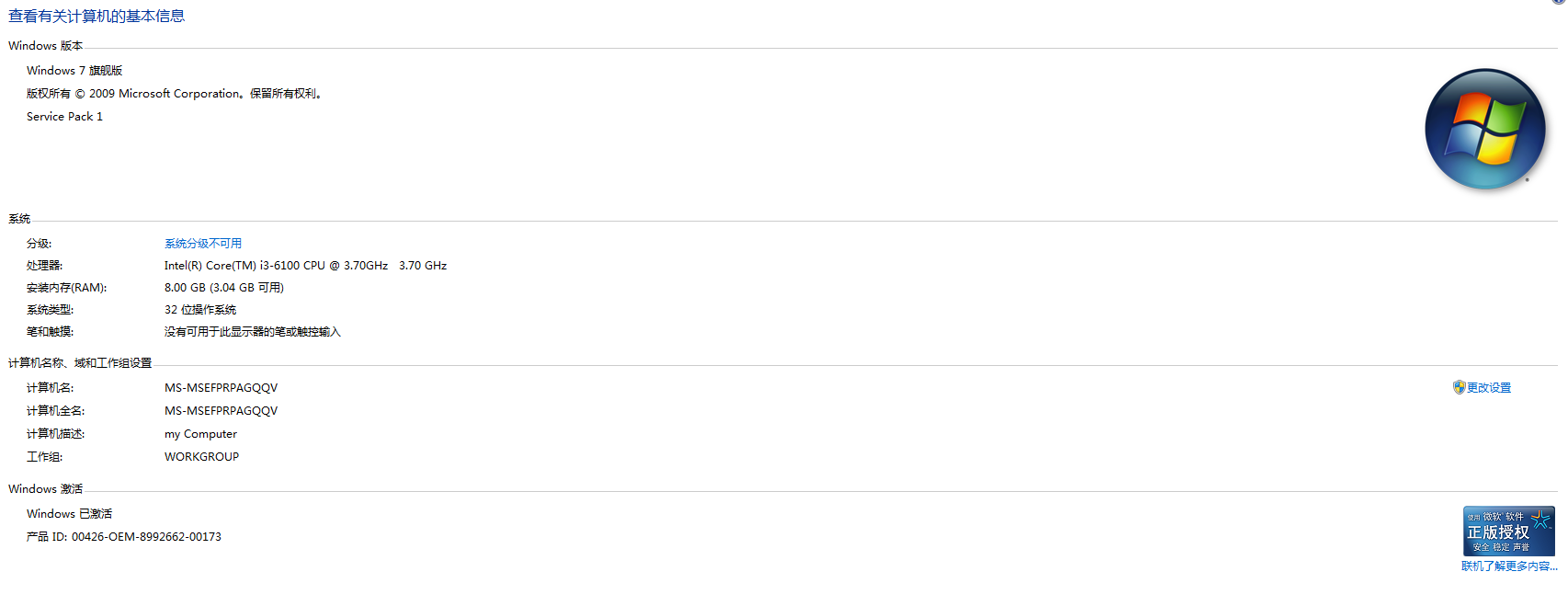
(注:本次采用的是Windows 10 操作系统,如下图:
好,我们现在步入正题!
第一步:使用Google chrome浏览器


点击下载即可 。
。
好了,我们就到这里,拜拜!。
 chenmou9672
还有更简单的方法:https://static.codemao.cn/turtle/client/release/%E6%B5%B7%E9%BE%9F%E7%BC%96%E8%BE%91%E5%99%A82-x喵-2.5.4.exe
点赞0
评论
 thewindows7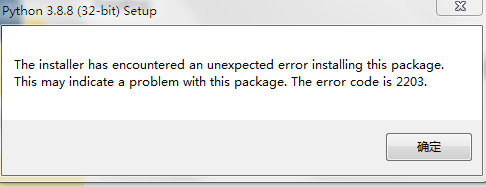
点赞0
评论
现在python官网上大多数的python都是基于64位操作系统开发的,32位不常见了,但是有,就是带有x86的,基本都是32位,像作者的x86-64,就是64位,你可以找找只有x86的,这种一般都是支持32位的,现在其实不用下载3.8.8版本的,Python3.12都出来了,装个新一点的吧~